18
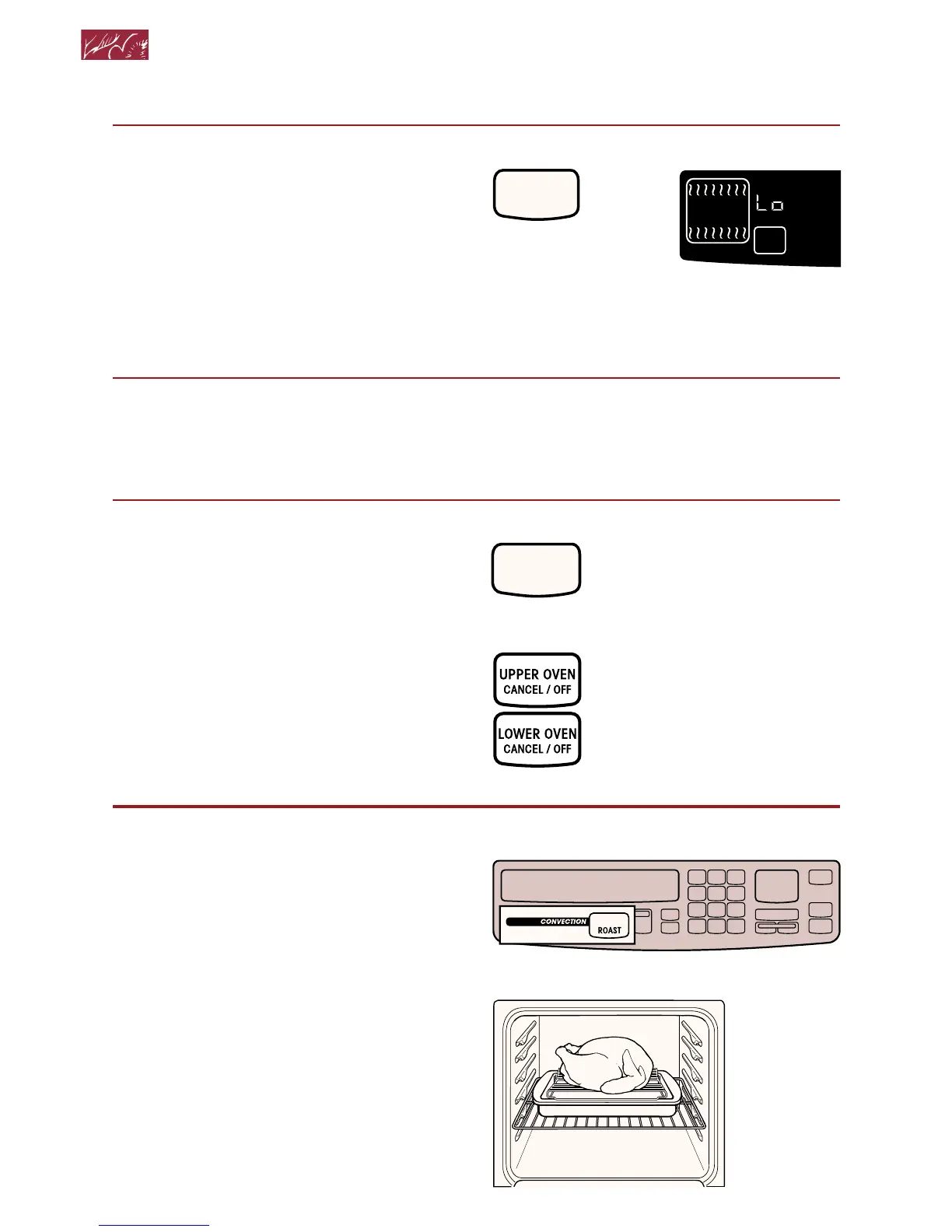
4. Preheat oven.
After the temperature reaches 170°F, the
temperature display will show the actual
oven temperature at each 5°F (3°C)
increase. It will then stop at the set
temperature. One long tone will sound
when oven is preheated.
5. Put food in oven.
NOTE: If you want to change the
baking temperature after baking has
begun, repeat Steps 2, 3, and 4.
6. After cooking, turn off oven.
Convection roasting
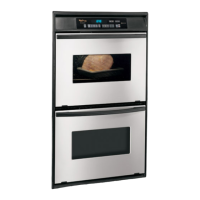
NOTE: These examples are for double
upper ovens only. Other ovens may look
slightly different.
1. Prepare oven.
Position the rack properly. For correct
rack placement, see “Baking or convec-
tion baking” on page 16. Place food in
the oven. For large roasts and turkeys,
place rack in position 1 or 2. (Preheating
is not necessary when roasting.)
Using Your Oven
START
PRESS YOU SEE
ON
(example for Bake)
(“Lo” is displayed
after 5 seconds if
oven temperature is
below 170°F)
(single ovens)
(double ovens)
OR
PRESS YOU SEE
CANCEL
OFF
(display will go blank)



 To Next Page