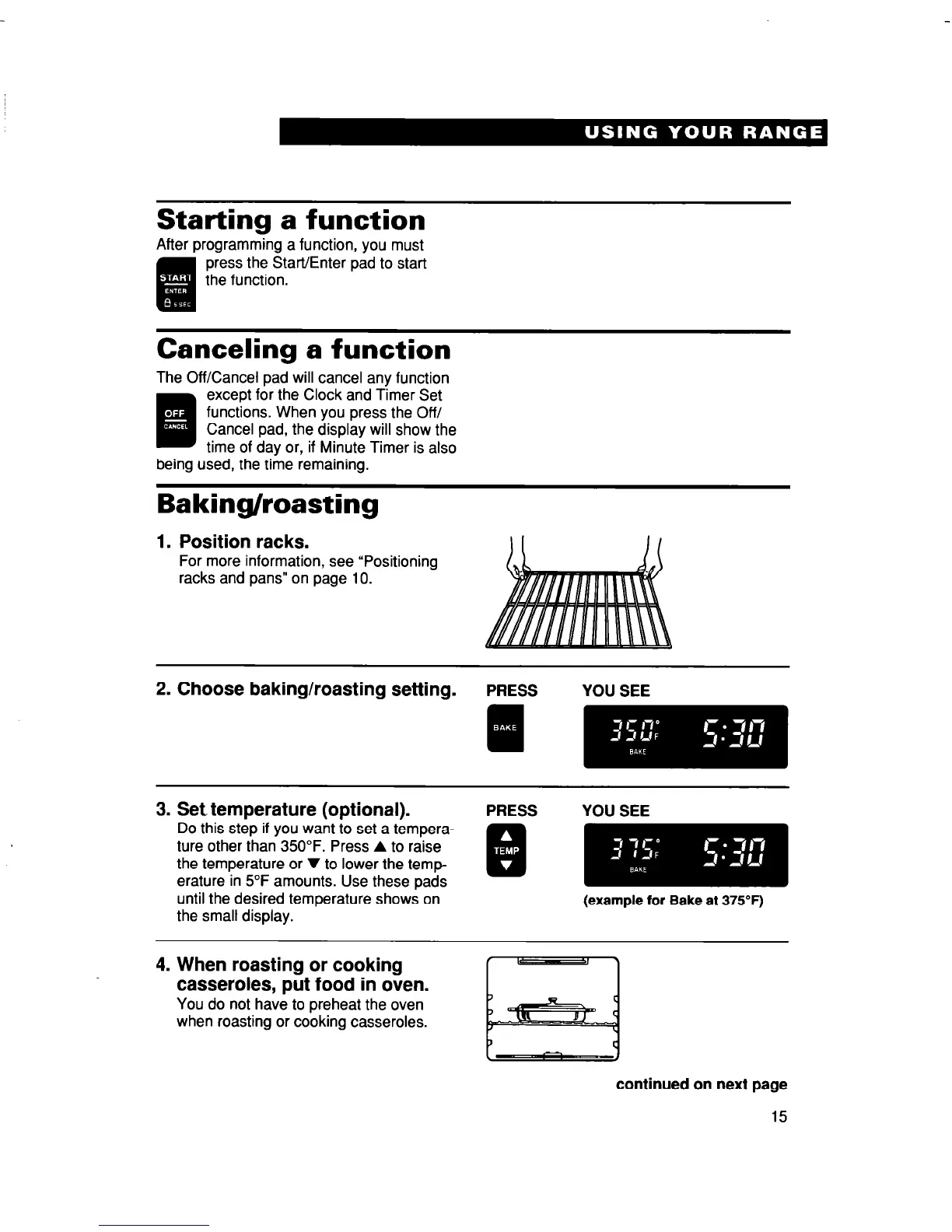
Starting a function
After programming a function, you must
press the Start/Enter pad to start
the function.
Canceling a function
The Off/Cancel pad will cancel any function
.
Illi
except for the Clock and Timer Set
functions. When you press the Off/
Cancel pad, the display will show the
time of day or, if Minute Timer is also
being used, the time remaining.
Baking/roasting
1.
Position racks.
For more information, see “Positioning
racks and pans” on page 10.
3. Set temperature (optional).
Do this step if you want to set a tempera-
ture other than 350°F. Press A to raise
the temperature or V to lower the temp-
erature in 5°F amounts. Use these pads
until the desired temperature shows on
the small display.
PRESS
YOU SEE
(example for Bake at 375°F)
4. When roasting or cooking
casseroles, put food in oven.
You do not have to preheat the oven
when roasting or cooking casseroles.
continued on next page
15



 To Next Page