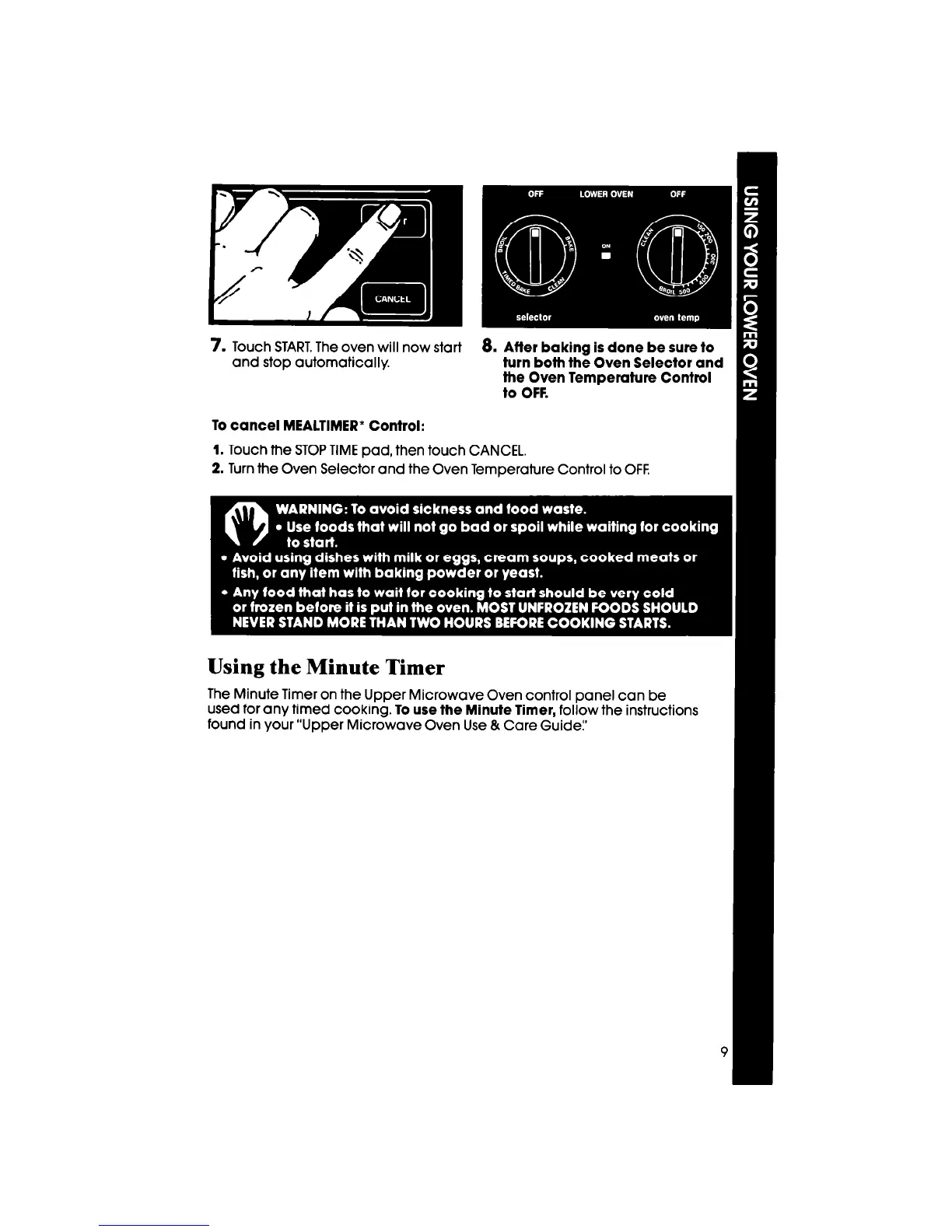
7. Touch START. The oven will now start
8.
After baking is done be sure to
and stop automatically.
turn both the Oven Selector and
the Oven Temperature Control
to OFF.
To cancel MEALTIMER’ Control:
1. Touch the STOP TIME pad, then touch CANCEL.
2. Turn the Oven Selector and the Oven Temaerature Control to OFF.
Using the Minute Timer
The Minute Timer on the Upper Microwave Oven control panel can be
used for any timed cooking. To use the Minute Timer, follow the instructions
found in your “Upper Microwave Oven Use & Care Guide:’



 To Next Page