1 2, Touch and hold START to begin
wash cycle
Hold to Start
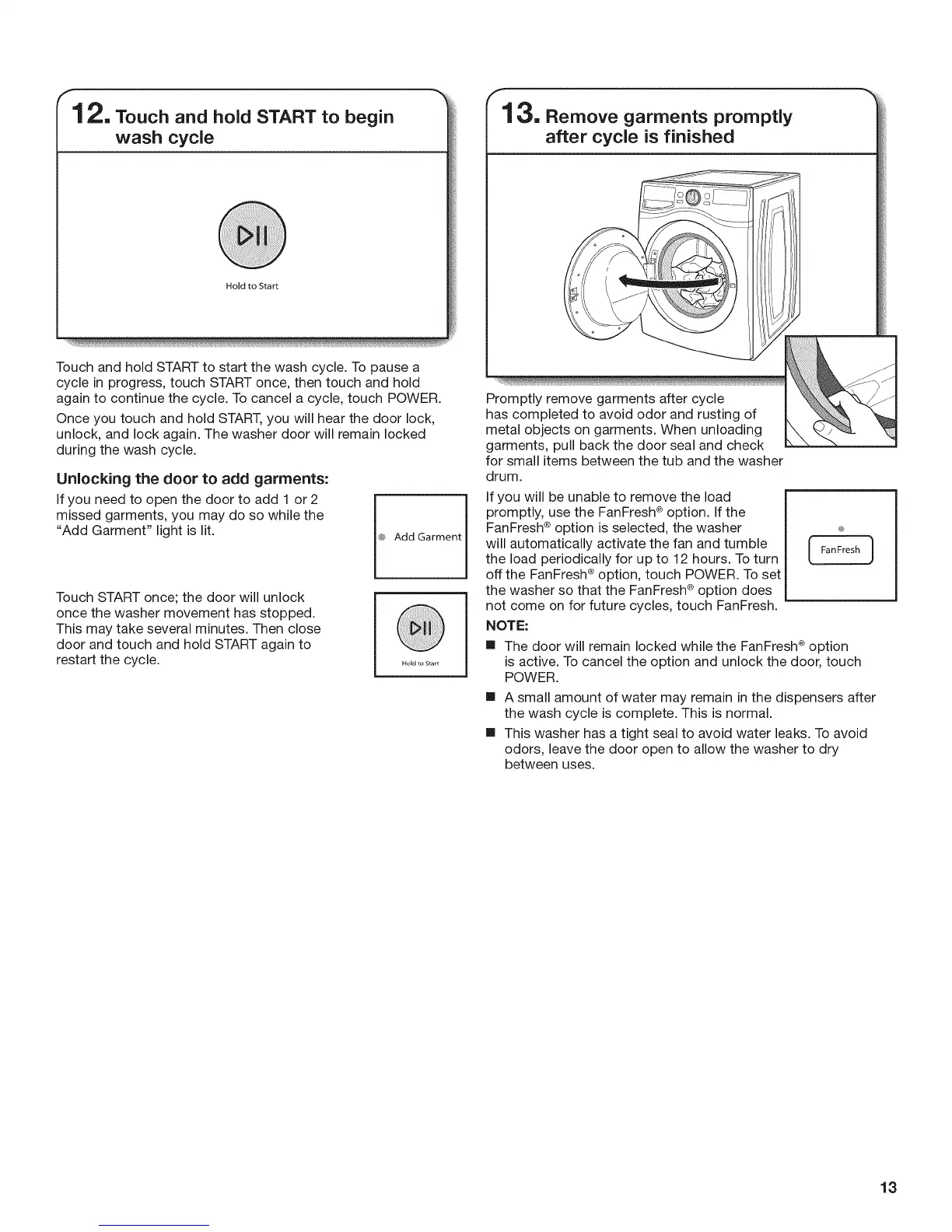
Touch and hold START to start the wash cycle. To pause a
cycle in progress, touch START once, then touch and hold
again to continue the cycle. To cancel a cycle, touch POWER.
Once you touch and hold START, you will hear the door lock,
unlock, and lock again. The washer door will remain locked
during the wash cycle.
Unlocking the door to add garments:
If you need to open the door to add 1 or 2
missed garments, you may do so while the
"Add Garment" light is lit.
Touch START once; the door will unlock
once the washer movement has stopped.
This may take several minutes. Then close
door and touch and hold START again to
restart the cycle.
(_, Add Garment
r13. Remove garments promptly
after cycle is finished
for small items between the tub and the washer
drum.
If you will be unable to remove the load
promptly, use the FanFresh ®option. [f the
FanFresh ®option is selected, the washer
will automatically activate the fan and tumble
the load periodically for up to 12 hours. To turn
L._-. -- j
off the FanFresh ®option, touch POWER. To set
the washer so that the FanFresh ¢ option does
not come on for future cycles, touch FanFresh.
NOTE:
m The door will remain locked while the FanFresh ®option
is active. To cancel the option and unlock the door, touch
POWER.
m A small amount of water may remain in the dispensers after
the wash cycle is complete. This is normal.
m This washer has a tight seal to avoid water leaks. To avoid
odors, leave the door open to allow the washer to dry
between uses.
13





 To Next Page