9
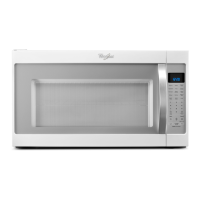
CONTROL PANEL DESCRIPTION
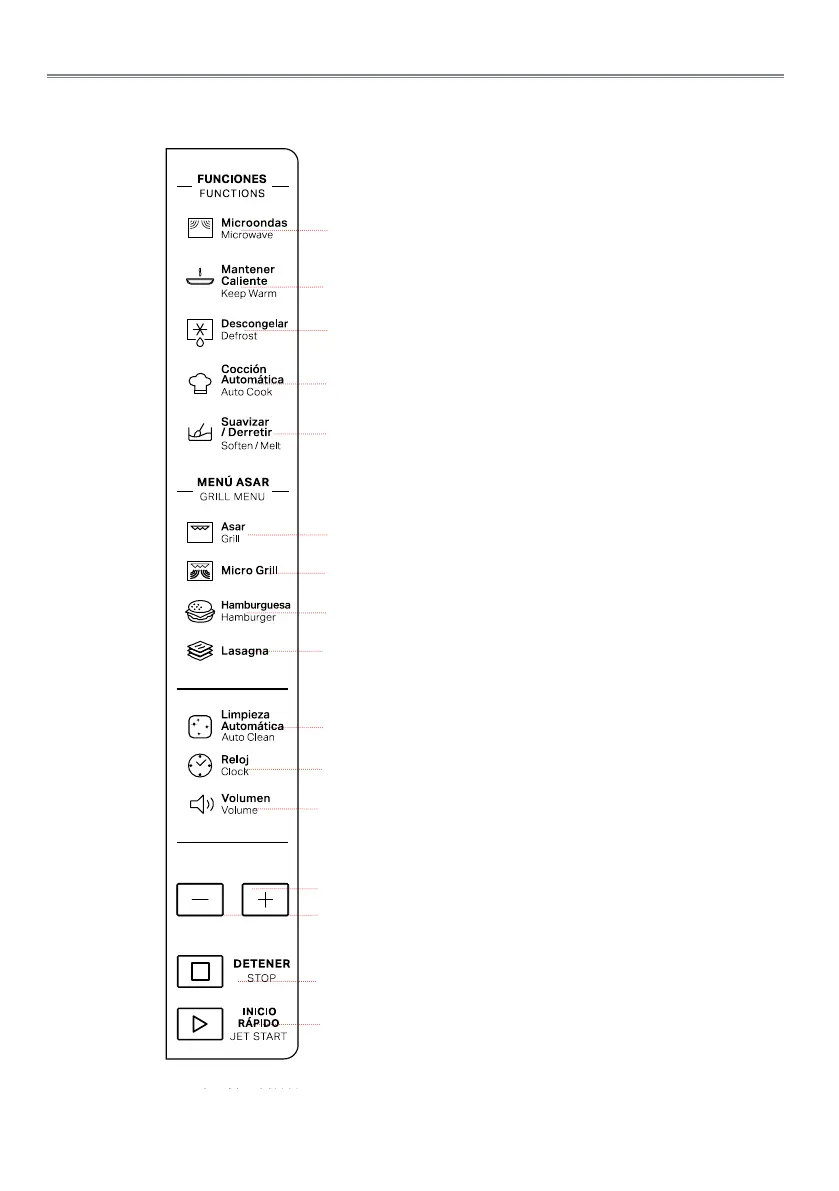
qMicrowave
Use to set power level.
wKeep Warm
Use to set Keep Warm function.
eDefrost
To set defrost programs.
rAuto Cook
Use to access the automatic reci-
pes menu.
tSoften/Melt
Use to access the Soften/Melt
menu.
yGrill
Press this button to access grill
cooking mode.
uMicro Grill
Press this button to access one of
two combination cooking settings.
iHamburger
Use to set Hamburger function.
oLasagna
Use to set Lasagna function.
aAuto Clean
Use to clean oven.
sClock
Use to set the time of day.
dVolume
Use to activate/deactivate beep
signal.
f+/-
Use to input food menu code, clock
time, cook time, cook weight.
gSTOP
Use to pause stop or cancel coo-
king.
hJET START
Use to start the cooking. Use too
set quick start program.
q
w
e
r
t
y
u
i
o
a
s
d
f
g
h



 To Next Page