4
Button and Function
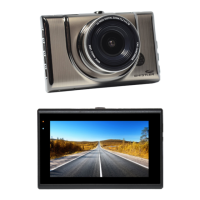
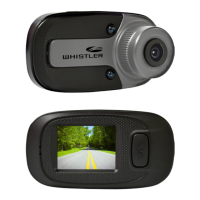
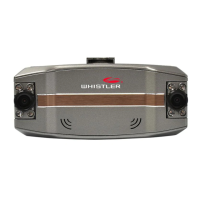
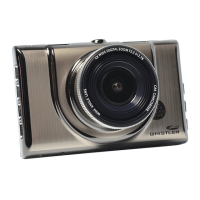
1. Camera Lens – 170º wide-angle lens.
2. Speaker – Provides audio for playback and device
tones.
3. Status LED – BLUE = power on, RED = charging,
Flashing Blue = Recording
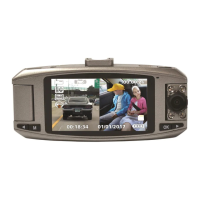
4. LCD Display – View photo and video.
5. Reset Button – Using a small pin, push in to reset
the device.
6. Microphone – Audio receiver for video recording.
7. Mini HDMI Jack – Provides connection to a HDMI
monitor.
8. Bracket Mount – windshield bracket attachment.
9. USB Jack – Allows PC interface to access microSD
card, PC camera and charge the battery.
10. OK / Record Button – Press to start recording.
Press again to stop. In menu, selects highlighted
items.
FEATURE DESCRIPTION


 To Next Page