13
Speed Mute
When traveling below the speed selected in option mode, no
audio will be given to an alert but the display will still continue
to provide a visual warning.
Speed Volume
When selected, the audio will adjust with your speed. Set the
volume to the maximum and the unit will adjust accordingly.
NOTE: Speed Mute and Speed Volume are selectable in
Option Mode.
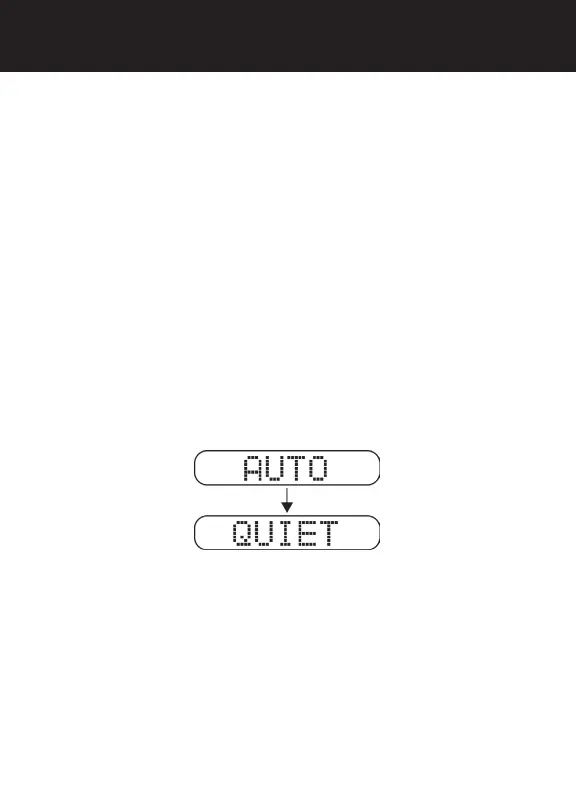
Auto Quiet Mode
Auto Quiet mode reduces the selected audio level approximately
5 seconds after a radar or safety radar signal is detected. The alert
for any new signal within 20 seconds will resume at the lower level.
Auto Quiet mode does not affect laser alerts.
• Press Quiet (before a signal is detected) to engage Auto
Quiet mode.
• Once the Auto Quiet mode is engaged, you may cancel
the audio alarm by pressing Quiet.
• Press Quiet (when the unit is not alarming) to cancel Auto
Quiet mode.
NOTE: Speed selectable Auto Quiet is selectable in Option
Mode.
OPERATION



 To Next Page