EasyManua.ls Logo

White Rodgers NP100 - User Manual

White Rodgers NP100
12 pages
Print Icon
To Next Page IconTo Next Page
Loading...
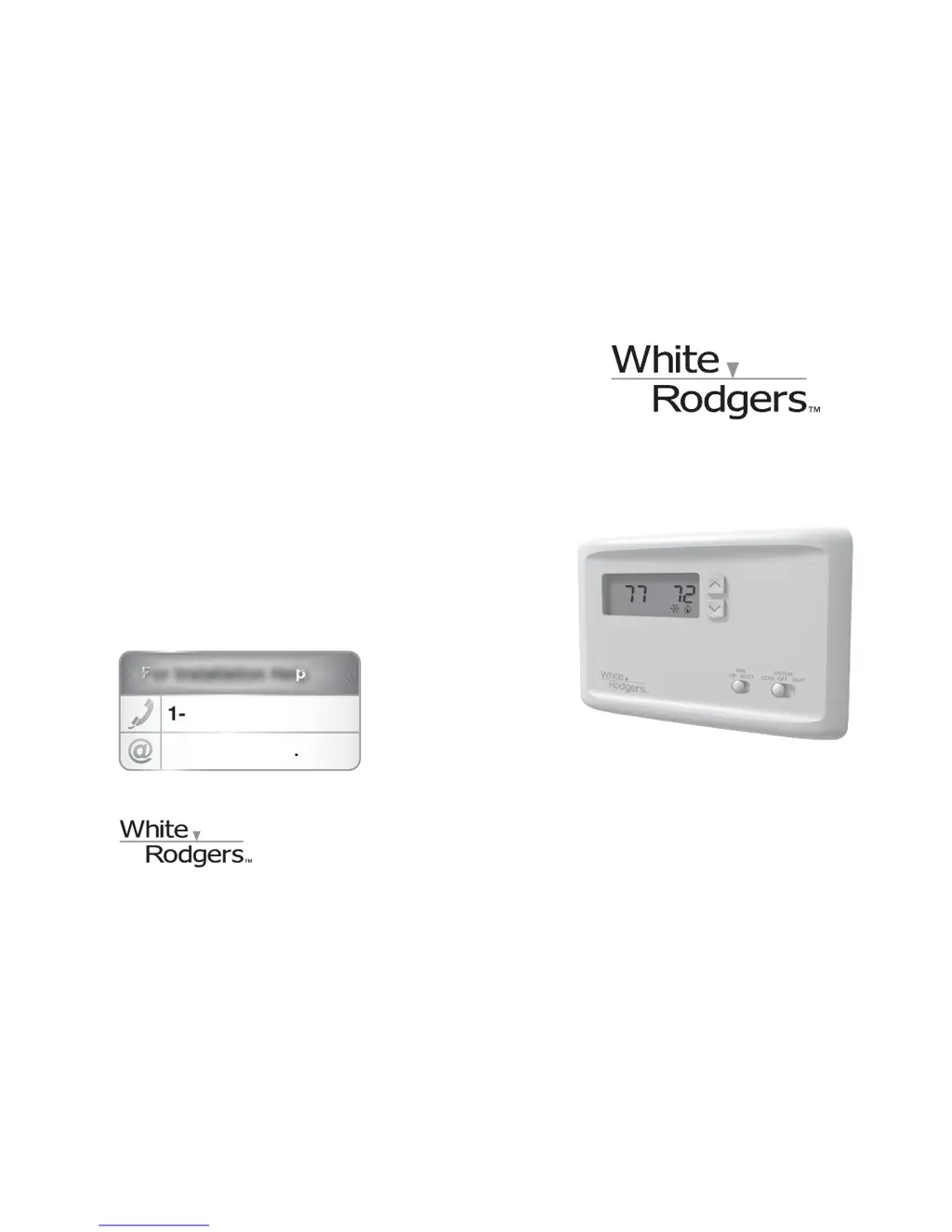
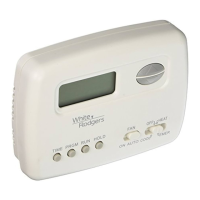
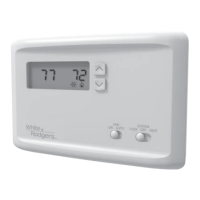
NP100 Non-Programmable Thermostat
Installation Instructions & User Guide
Congratulations on the purchase of your White-Rodgers
thermostat!
Save these instructions for future use!
Questions? Contact White-Rodgers
customer service at 1-877-654-9394
For Installation Help
1-877-654-9394
White-Rodgers.com
F
F
F
F
F
For Installation HelpFor Installation Help
For Installation Help
For Installation Hel
p
1
1
-
877
-
654
-
9394
877 654 9394
W
hite-Rod
g
er
s
.
c
o
m
0037-7264A
© 2011 Printed in China
White-Rodgers
8100 West Florissant Avenue
St. Louis, MO 63136

Questions and Answers

Summary

Part 1 Before Getting Started

1.1 Check package contents

Verify all items are included in the thermostat package before installation.

1.2 Answer questions about source of heating in your home

Identify your home's heating system type (e.g., gas, oil, hydronic) for correct setup.

1.3 Assemble tools

Gather necessary tools like screwdrivers and batteries for thermostat installation.

1.4 Turn off power to your heating and cooling system

Safely disconnect electrical power to the HVAC system before commencing installation.

Part 2 Remove Old Thermostat and Install New Thermostat

2.1 Expose wires connected to old thermostat

After powering off, access and expose wires connected to the existing thermostat.

2.2 Label and disconnect the wires

Label each wire by its terminal before disconnecting to ensure proper re-connection.

2.3 Install new thermostats wallplate

Mount the new wallplate securely to the wall, passing labeled wires through the opening.

2.4 Match and connect wires

Connect the labeled wires to the corresponding terminals on the new thermostat's wallplate.

Part 3 Quick Setup

3.1 Get to know your thermostat

Familiarize yourself with the thermostat's display, buttons, and switch functions for basic operation.

3.2 Select options

Configure system settings and preferences by answering a series of on-screen prompts.

3.3 Set fan and system switches

Adjust the FAN and SYSTEM switches to AUTO/COOL or HEAT as per your system requirements.

3.4 Turn on power to your heating and cooling system

Restore power to the HVAC system after completing thermostat installation and setup.

Part 4 Additional thermostat features

4.1 Set change filter reminder

Configure the thermostat to remind you when it's time to change the system's air filter.

4.2 Change batteries

Instructions on how to replace thermostat batteries when the low battery indicator appears.

4.3 Adjust actual temperature display

Calibrate the displayed temperature to match or offset the actual room temperature by a few degrees.

Summary

Part 1 Before Getting Started

1.1 Check package contents

Verify all items are included in the thermostat package before installation.

1.2 Answer questions about source of heating in your home

Identify your home's heating system type (e.g., gas, oil, hydronic) for correct setup.

1.3 Assemble tools

Gather necessary tools like screwdrivers and batteries for thermostat installation.

1.4 Turn off power to your heating and cooling system

Safely disconnect electrical power to the HVAC system before commencing installation.

Part 2 Remove Old Thermostat and Install New Thermostat

2.1 Expose wires connected to old thermostat

After powering off, access and expose wires connected to the existing thermostat.

2.2 Label and disconnect the wires

Label each wire by its terminal before disconnecting to ensure proper re-connection.

2.3 Install new thermostats wallplate

Mount the new wallplate securely to the wall, passing labeled wires through the opening.

2.4 Match and connect wires

Connect the labeled wires to the corresponding terminals on the new thermostat's wallplate.

Part 3 Quick Setup

3.1 Get to know your thermostat

Familiarize yourself with the thermostat's display, buttons, and switch functions for basic operation.

3.2 Select options

Configure system settings and preferences by answering a series of on-screen prompts.

3.3 Set fan and system switches

Adjust the FAN and SYSTEM switches to AUTO/COOL or HEAT as per your system requirements.

3.4 Turn on power to your heating and cooling system

Restore power to the HVAC system after completing thermostat installation and setup.

Part 4 Additional thermostat features

4.1 Set change filter reminder

Configure the thermostat to remind you when it's time to change the system's air filter.

4.2 Change batteries

Instructions on how to replace thermostat batteries when the low battery indicator appears.

4.3 Adjust actual temperature display

Calibrate the displayed temperature to match or offset the actual room temperature by a few degrees.

White Rodgers NP100 Specifications

General IconGeneral
TypeNon-Programmable
DisplayDigital
CompatibilitySingle-stage heating and cooling systems
Stages1 Heat / 1 Cool
Voltage24 VAC
Accuracy±1°F
BacklightNo

Related product manuals