EasyManua.ls Logo

White Rodgers P200 - User Manual

White Rodgers P200
14 pages
Print Icon
To Next Page IconTo Next Page
Loading...
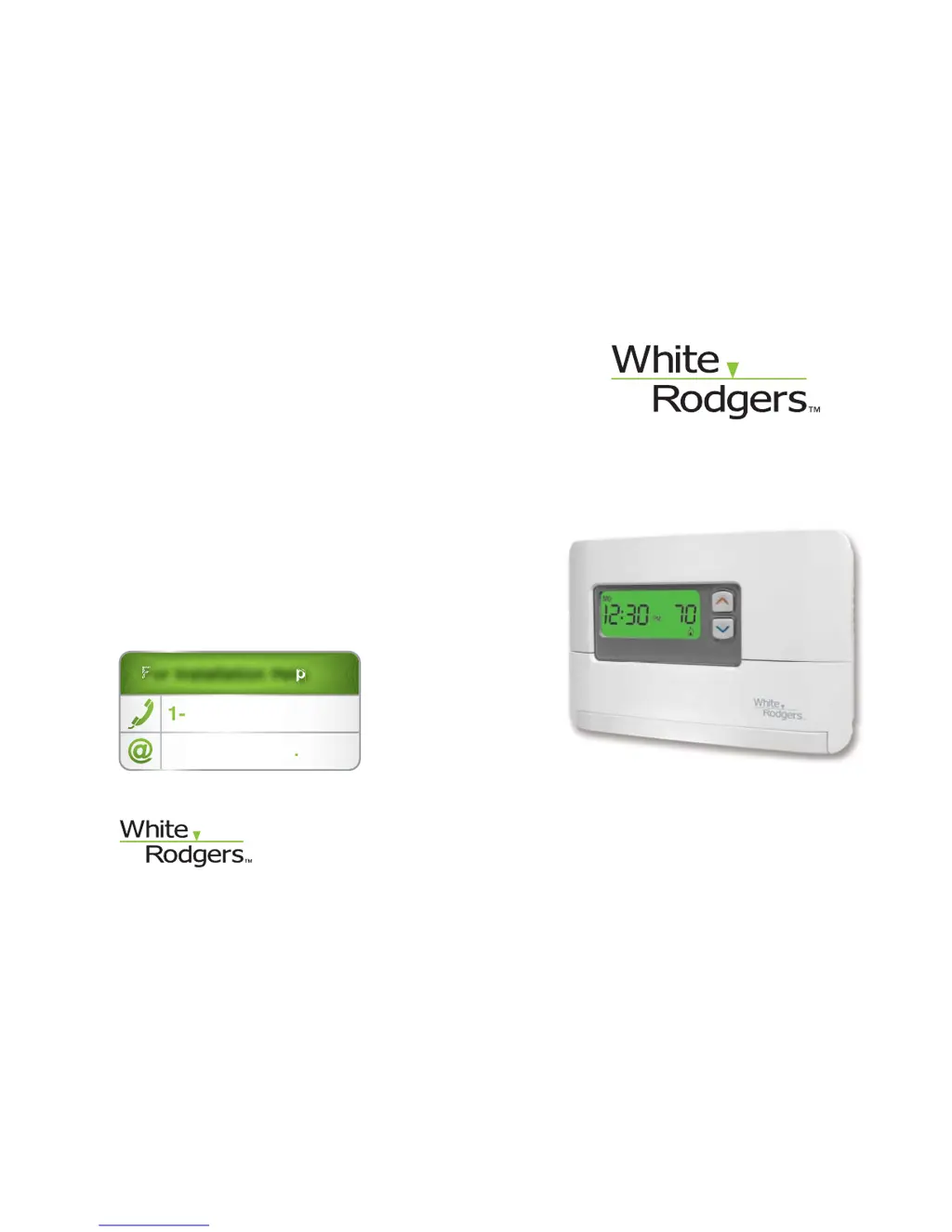
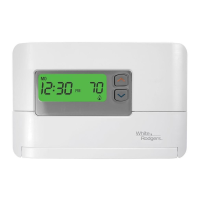
P200 Programmable Thermostat
Installation Instructions & User Guide
Congratulations on the purchase of your White-Rodgers
thermostat!
Save these instructions for future use!
Questions? Contact White-Rodgers
customer service at 1-877-654-9394
For Installation Help
1-877-654-9394
White-Rodgers.com
F
F
F
F
F
For Installation HelpFor Installation Help
For Installation Help
For Installation Hel
p
1
1
-
877
-
654
-
9394
877 654 9394
W
hite-Rod
g
ers
.
c
o
m
0037-7260A
© 2011 Printed in China
White-Rodgers
8100 West Florissant Avenue
St. Louis, MO 63136

Questions and Answers

  • K
    Kelly HillJul 31, 2025
    What to do if my White Rodgers Thermostat has no heat, no cool, or no fan?
    • H
      Herbert MartinJul 31, 2025
      If your White Rodgers Thermostat isn't producing heat, cool air, or fan, here are a few things to check: * **Blown fuse/tripped circuit breaker:** Replace the fuse or reset the breaker. * **Furnace power switch:** Ensure the furnace power switch is turned to ON. * **Furnace blower compartment door/panel:** Make sure the door or panel is properly installed to engage the safety interlock or door switch. * **Loose connections:** Tighten any loose connections to the thermostat or system. * **Low batteries:** Replace the batteries.
  • D
    Debbie RichardsonAug 10, 2025
    Why is the snowflake icon blinking on my White Rodgers Thermostat?
    • V
      vegapatriciaAug 11, 2025
      The snowflake icon on your White Rodgers Thermostat might be blinking because the 5-minute lockout is enabled to protect the compressor. No action is needed; it should stop blinking after 5 minutes.
  • J
    Jeffrey BarronAug 19, 2025
    How to adjust temperature display on White Rodgers Thermostat if it disagrees with indoor thermometer?
    • S
      Stephanie ThompsonAug 19, 2025
      If your White Rodgers Thermostat and indoor thermometer settings disagree, you can adjust the thermometer +/- 4 degrees within the Configuration Menu section.

Summary

P200 Programmable Thermostat Installation Instructions & User Guide

Important Safety and Product Information

CAUTION: General Installation Warnings

Critical safety warnings regarding installation and operation procedures.

Part 1: Before Getting Started

1.4 Turn Off Power

Essential step to turn off power to the heating and cooling system.

Part 2: Remove Old Thermostat and Install New Thermostat

2.1 Expose Wires Connected to Old Thermostat

Procedure to access and identify wires connected to the old thermostat.

2.2 Label and Disconnect Wires

Instructions for labeling wires and safely disconnecting them from the old thermostat.

2.2.3 Disconnect Wires

Detailed steps for disconnecting wires after labeling.

2.3 Install New Thermostats Wallplate

Mounting the new thermostat wallplate securely to the wall.

2.4 Match and Connect Wires

Connecting the labeled wires to the new thermostat terminals.

Part 3: Quick Setup

3.3 Select Options

Choosing various settings and preferences for thermostat operation.

Part 5: Troubleshooting Guide

Reset Operation

Procedure to reset the thermostat to factory default settings.

White Rodgers P200 Specifications

General IconGeneral
BrandWhite Rodgers
ModelP200
CategoryThermostat
LanguageEnglish

Related product manuals