EasyManua.ls Logo

White 4041 - Control del Largo de la Puntada; Camsic CE DIREOCION CE PESTUNTE

Default Icon
68 pages
Print Icon
To Next Page IconTo Next Page
To Previous Page IconTo Previous Page
Loading...
27
Section
JTITCH
ENGTH
DIAL
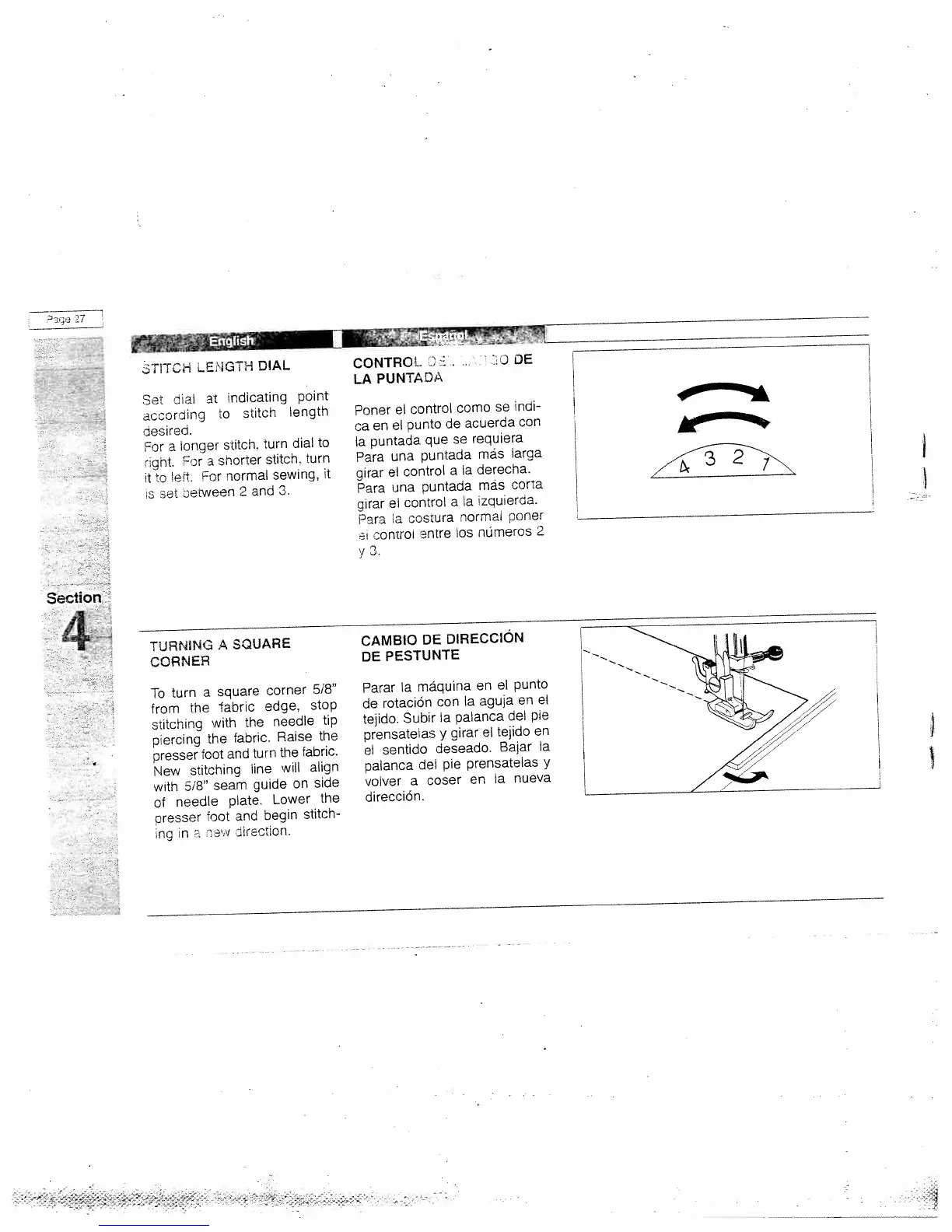
Set
dial
at
indicating
point
according
to
stitcn
length
desired.
For
a
longer
stitch,
turn
dial
to
right.
or
a
shorter
stitch,
turn
t
o
let.
For
normal
sewing,
it
s
set
setween
2
and
3.
CONTROL
D
LA
PUNTADA
Poner
el
control
como
se
mdi
ca
en
el
punto
de
acuerda
con
Ia
puntada
que
se
requiera
Para
una
puntada
más
larga
girar
el
control
a
Ia
derecha.
Para
una
puntada
más
corta
girar
el
control
a
Ia
izquierda.
Para
a
costura
normal
poner
ci
ccntroi
entre
los
nümeros
2
y
3.
%
4
TURNING
A
SQUARE
CORNER
To
turn
a
square
corner
5/8”
from
the
abric
edge,
stop
stitching
with
the
needle
tip
piercing
the
fabric.
Raise
the
presser
foot
and
turn
the
fabric.
New
stitching
line
will
align
with
5/8”
seam
guide
on
side
of
needle
plate.
Lower
the
presser
foot
and
begin
stitch
ng
in
e’
tirection.
CAMBIO
DE
DIRECCION
DE
PESTtJNTE
Parar
a
máquina
en
el
punto
de
rotación
con
a
aguja
en
el
tejido.
Subir
Ia
palanca
del
pie
prensatelas
y
girar
el
tejido
en
el
sentido
deseado.
Balar
Ia
palanca
del
pie
prensatelas
y
volver
a
coser
en
Ia
nueva
direcciOn.
Hi
L
I

Related product manuals