Note
The icons and screens in your M-DEX will depend on how it has been
configured by the hearing care professional in cooperation with you.
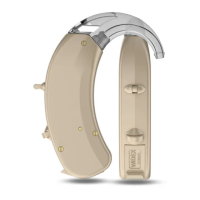
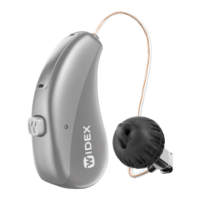
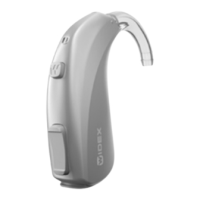
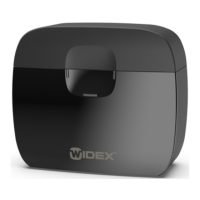
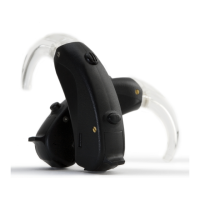
Your dispenser will have matched the M-DEX with your hearing aids.
Once this is done, you will be able to change programs and adjust the
volume in your hearing aids.
21







 To Next Page