ADVANCED FUNCTIONS
The following advanced functions can be accessed by pressing
the Menu key once and using or :
If you use , the menu items are placed in the following order
1. Bluetooth *
2. Audio Input *
3. L/R volume
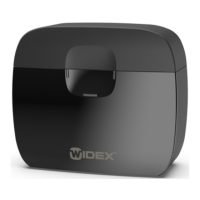
4. M-DEX T *
5. Settings
Choices made in options 1, 2 and 5 will be confirmed by a check
mark.
Because items 1, 2 and 4 involve transmitted sound, the sound in
your hearing aids will be affected every time you confirm a choice
in these options. When you leave these functions, you will return
to program 1.
* The M-DEX must be within a range of 50 cm/1½ feet of the hearing
aids.
52







 To Next Page