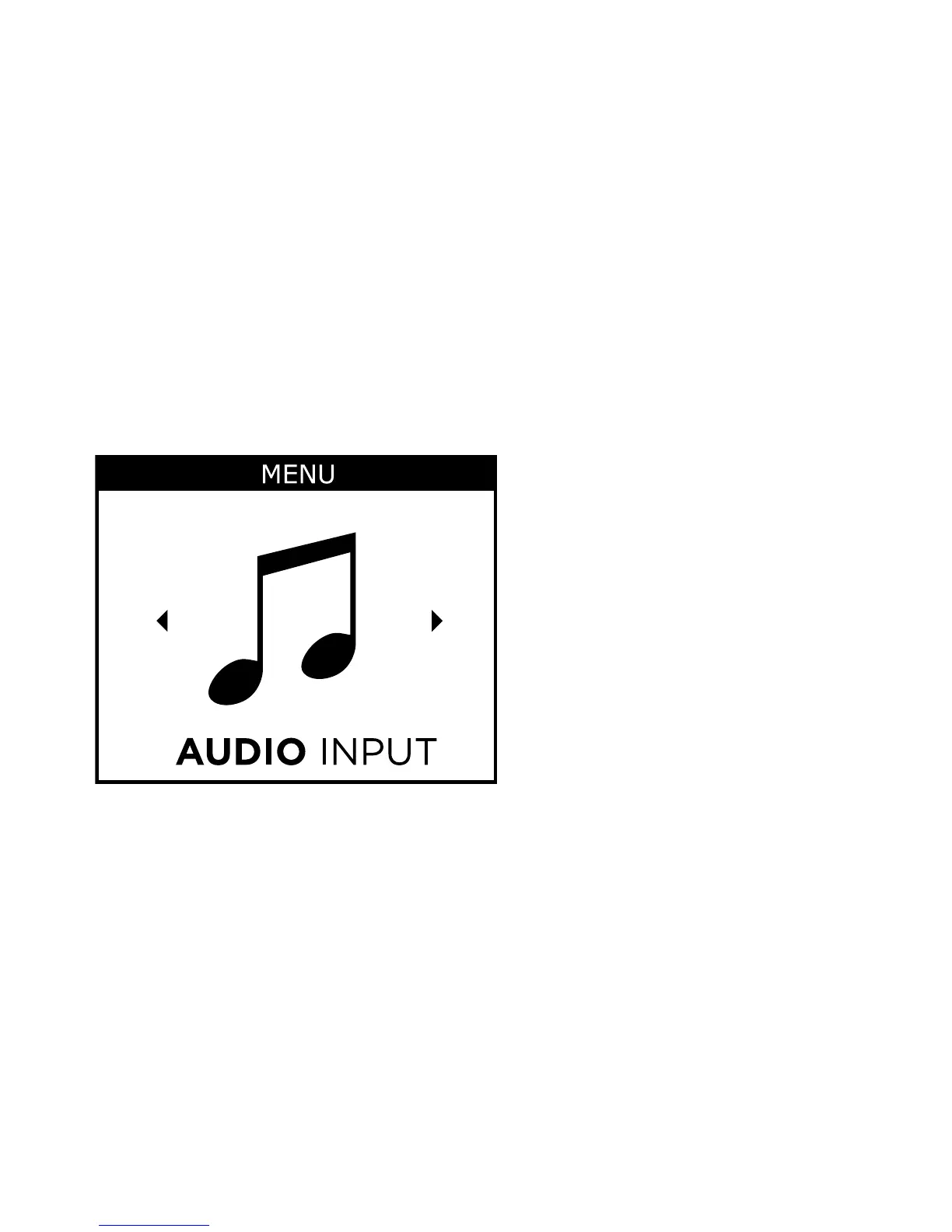
AUDIO INPUT
This function may be useful if you wish to listen to an external au-
dio source such as an mp3 player. When you connect a jack plug
to the audio input, the Audio input screen will automatically be
displayed.
The Audio input menu is only available (indicated by a blue
colour) if the M-DEX and the audio source are connected by a
jack-to-jack cable.
57







 To Next Page