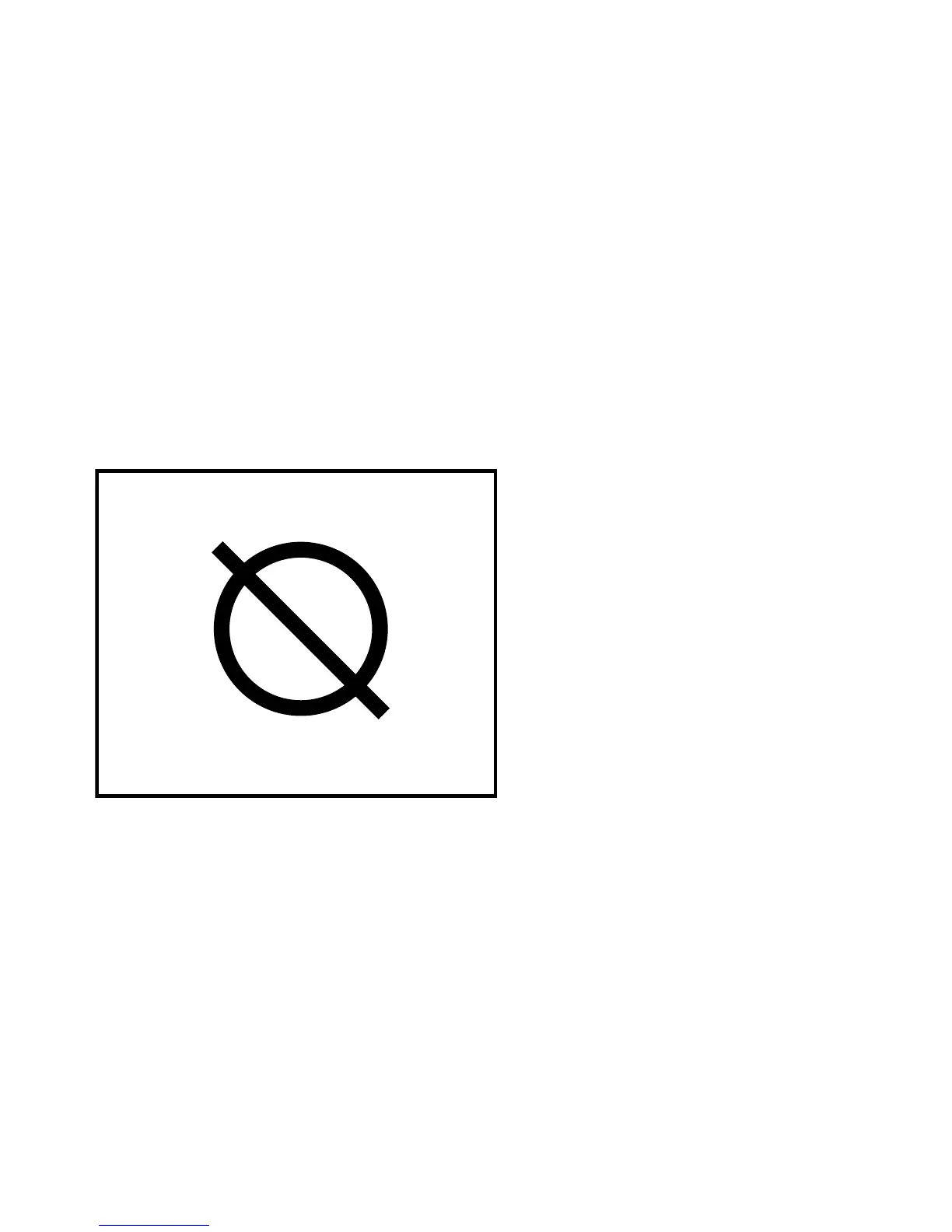
ROOM OFF
Activating ‘Room Off’ turns the hearing aid microphones off. This
allows you to use the feature to listen directly to transmitted au-
dio sound without interference from surrounding sounds, or as a
mute function with your normal listening programs (e.g. Master).
To activate Room Off
Press the Room Off key.
The Room Off key lights up and the Room Off icon is displayed.
To deactivate Room Off
Press the Room Off key again
35









 To Next Page