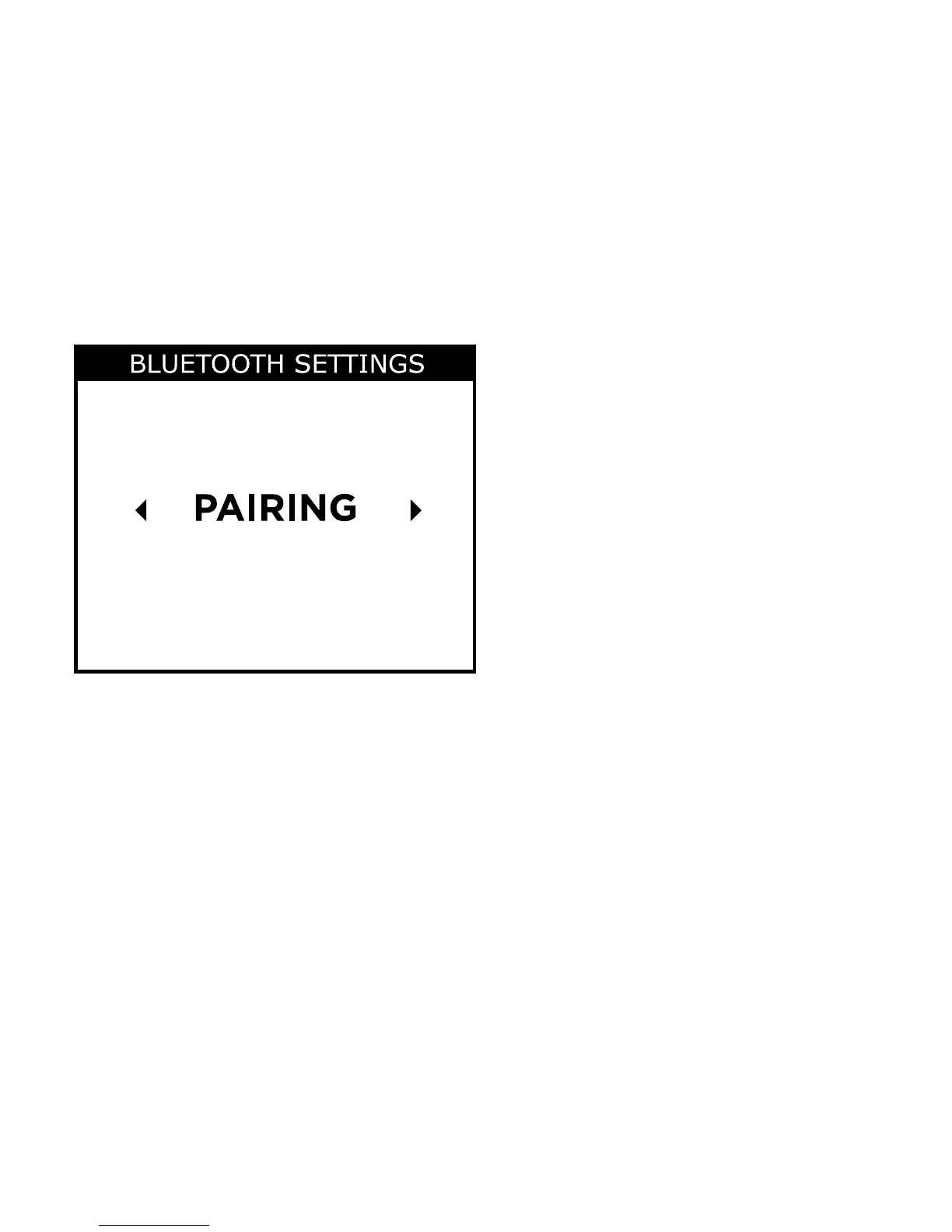
4. When the M-DEX is found on the mobile phone, pair the two
devices. To do this:
4a. Press or to go to pairing
4b. Press the Menu key
4c. Press the Menu key again to start pairing. You can follow
the progress on the screen.
5. Select the M-DEX on your phone, and enter the pin code
(0000) displayed on your M-DEX into your phone, if
prompted.
40







 To Next Page