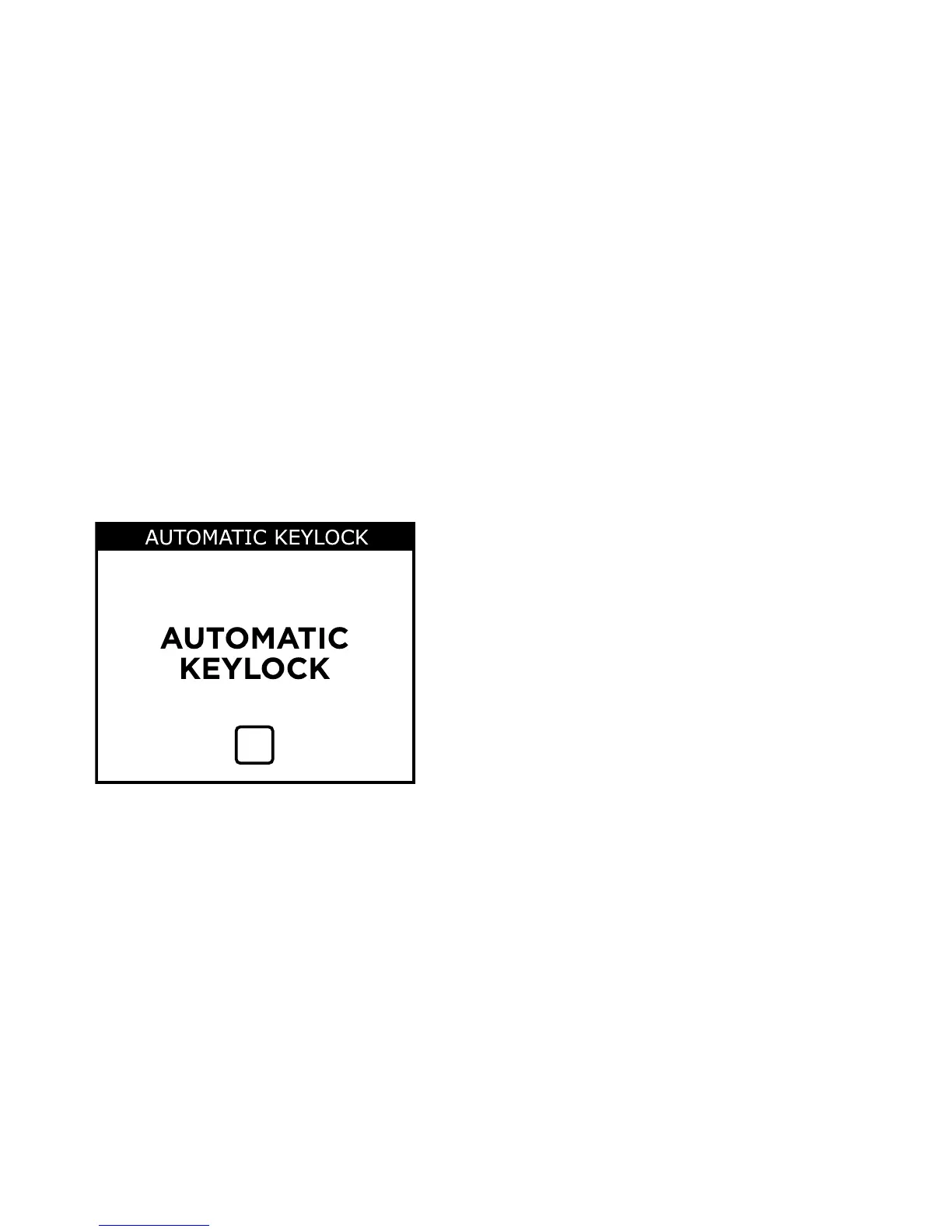
Automatic keylock
This function helps you avoid pressing a key accidentally, for ex-
ample if you have your M-DEX in your pocket.
If this function has been enabled, the M-DEX keys will automati-
cally lock when the screen enters standby mode.
Use the Menu key to turn the
automatic keylock on and off
To go back to the Menu
Press No
To unlock the automatic keylock
Press No
➞
Menu
73










 To Next Page