GETTING STARTED WITH
WIRELESS FITTING
Over the years, hearing aid manufacturers have introduced
more cables to the clinic with the launch of new hearing aids.
For dispensers, this has become a hassle. It can be a real
challenge to remember what goes with what.
With nEARcom it is possible to fit hearing aids with wireless
technology without the use of cables.
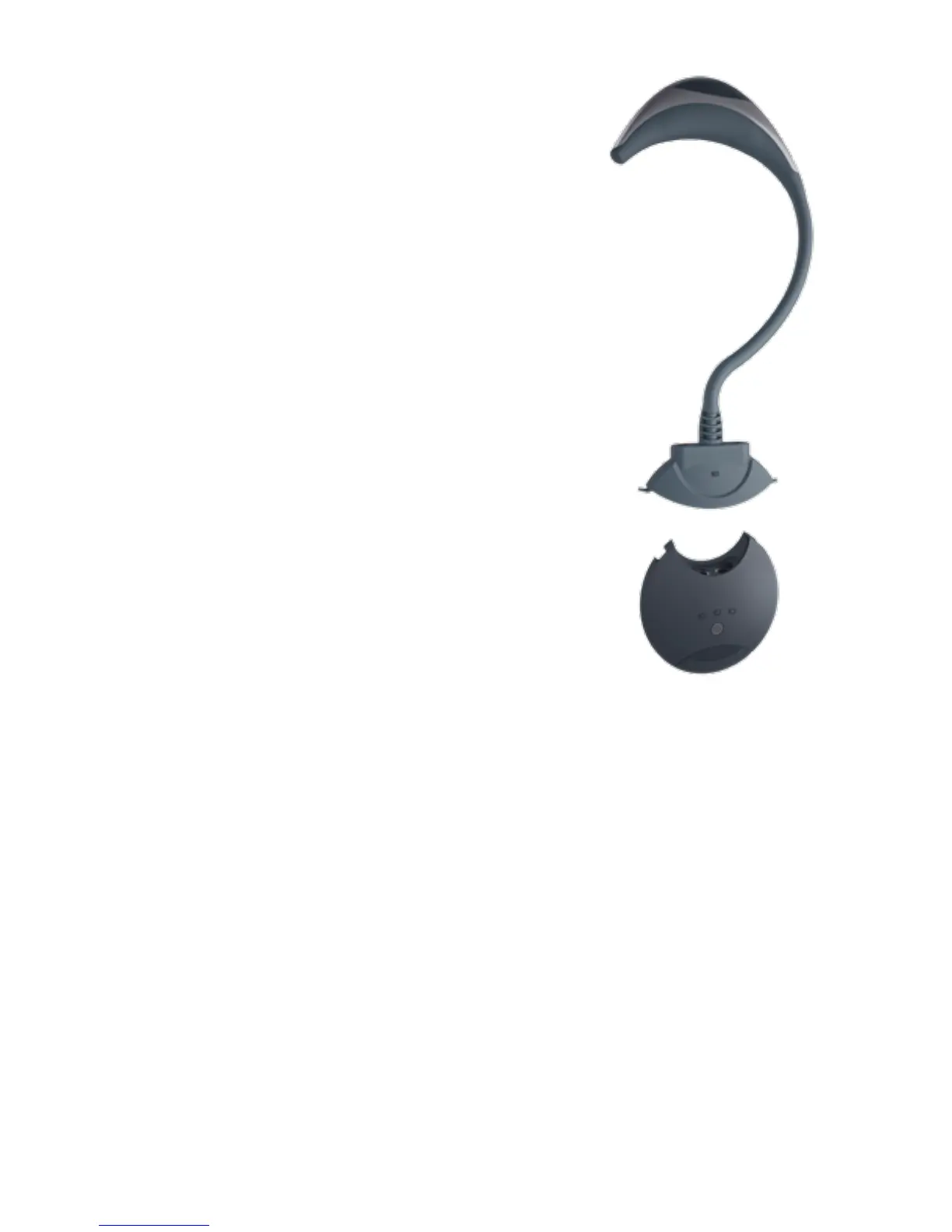
ASSEMBLE THE nEARcom UNIT
• Remove the neck string from the NOAHlink.
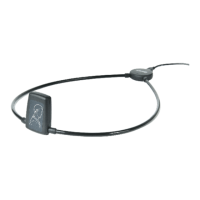
• Snap the nEARcom neck loop onto NOAHlink so
the connectors engage.
For further details, see the nEARcom User Manual.*
USING nEARcom
DETECT THE HEARING AIDS
1. Insert fresh batteries in the hearing aids and turn on the hearing aids. Identify left
and right by means of the colour marking.
2. Lay the nEARcom on the table and place the hearing aids in the middle of the neck
loop.
• Place BTE hearing aids directly on the table.
• Insert ITE/CIC in the holes in the instrument fixture included with the
nEARcom, with the face plate facing up.
* If your nEARcom was supplied by another manufacturer,
you must insert a Widex Tech Module. See the nEARcom User Manual.











 To Next Page