TROUBLESHOOTING
Problem Possible cause Solution
NOAHlink LED
indicator does not flash
NOAHlink battery low Check NOAHlink LED and
recharge battery if neces-
sary
NOAHlink is switched o Turn NOAHlink power on
Wireless programming
not working
No Tech Module inserted Check that a Tech Module is
plugged in
Incorrect Tech Module
inserted
Check that a Tech Module
appropriate to the manu-
facturer and hearing aid is
inserted
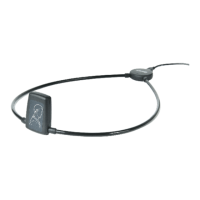
nEARcom not securely
plugged into NOAHlink
Check that nEARcom is
plugged into NOAHlink all
the way
NOAHlink battery low Check NOAHlink LED
(flashes orange if battery is
low) and recharge battery if
necessary
Controller error Turn NOAHlink power o,
then on again and retry
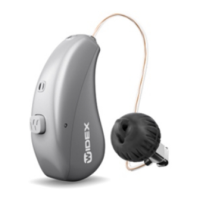
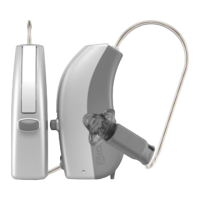
Hearing aids not within
nEARcom range
Place the hearing aids
(CIC/ITE in the fixture) in
the middle of the nEARcom
neck loop on the table











 To Next Page