27WIKA operating instructions, model CPG1200
EN
14603921.02 06/2023 EN/DE
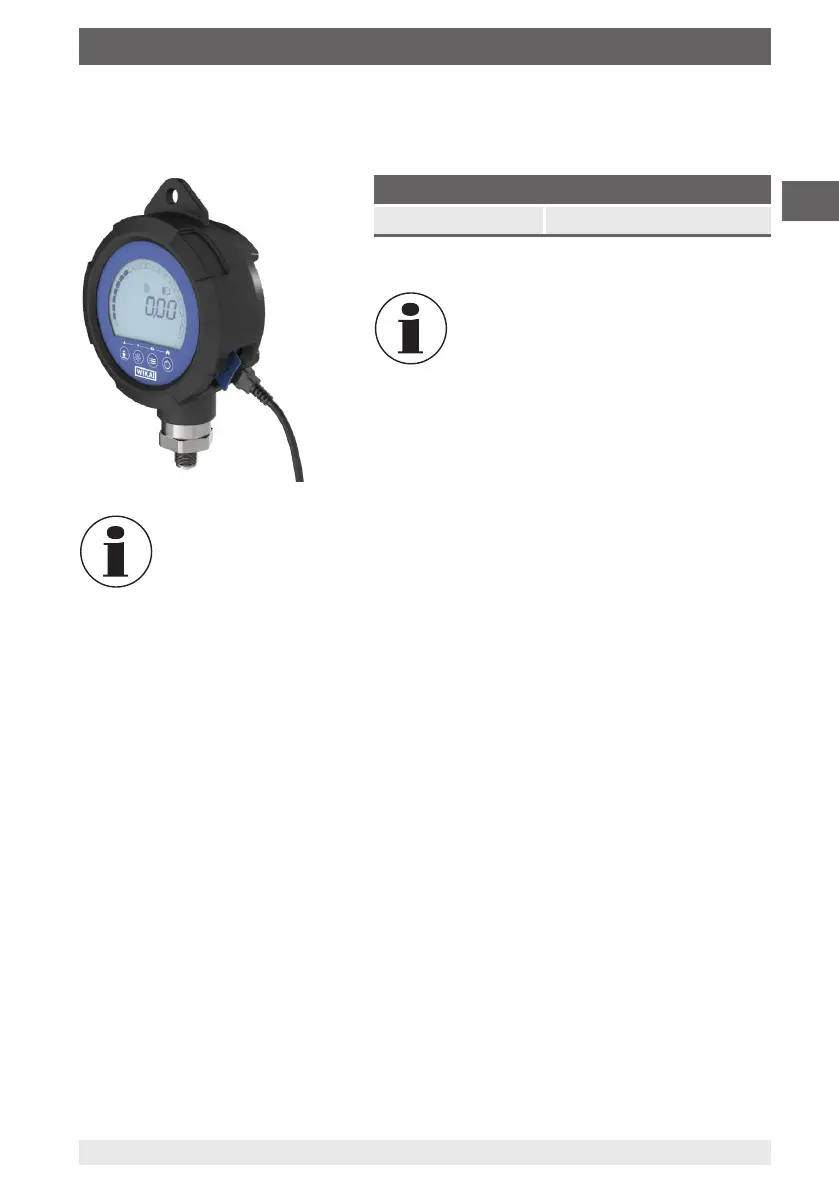
Plug the USB power supply unit's Micro-USB type B connector into the socket on the
side panel of the CPG1200 and plug the adapter into a power outlet.
If the instrument is to be operated over a long period of time or continuously
via the USB power supply unit, remove the batteries from the instrument.
NEVER use an extension cable for the power supply unit. Use only the
power supply unit provided by WIKA, see chapter 12 “Accessories”.
Do not connect any USB cable over 3 m [10 ft] long to the instrument!
Specifications for USB port
USB input DC 5 V, 100 mA, 0.5 W
The battery status display is off when
the instrument is powered by the USB
power supply unit.
6. Commissioning, operation



 To Next Page