128
Basi settigs
From the home screen, swipe up to access Apps, and tap Settings to access your phone‟s
settings menu. You can also access Settings from the status bar. Drag the status bar down
twice and tap Settings .
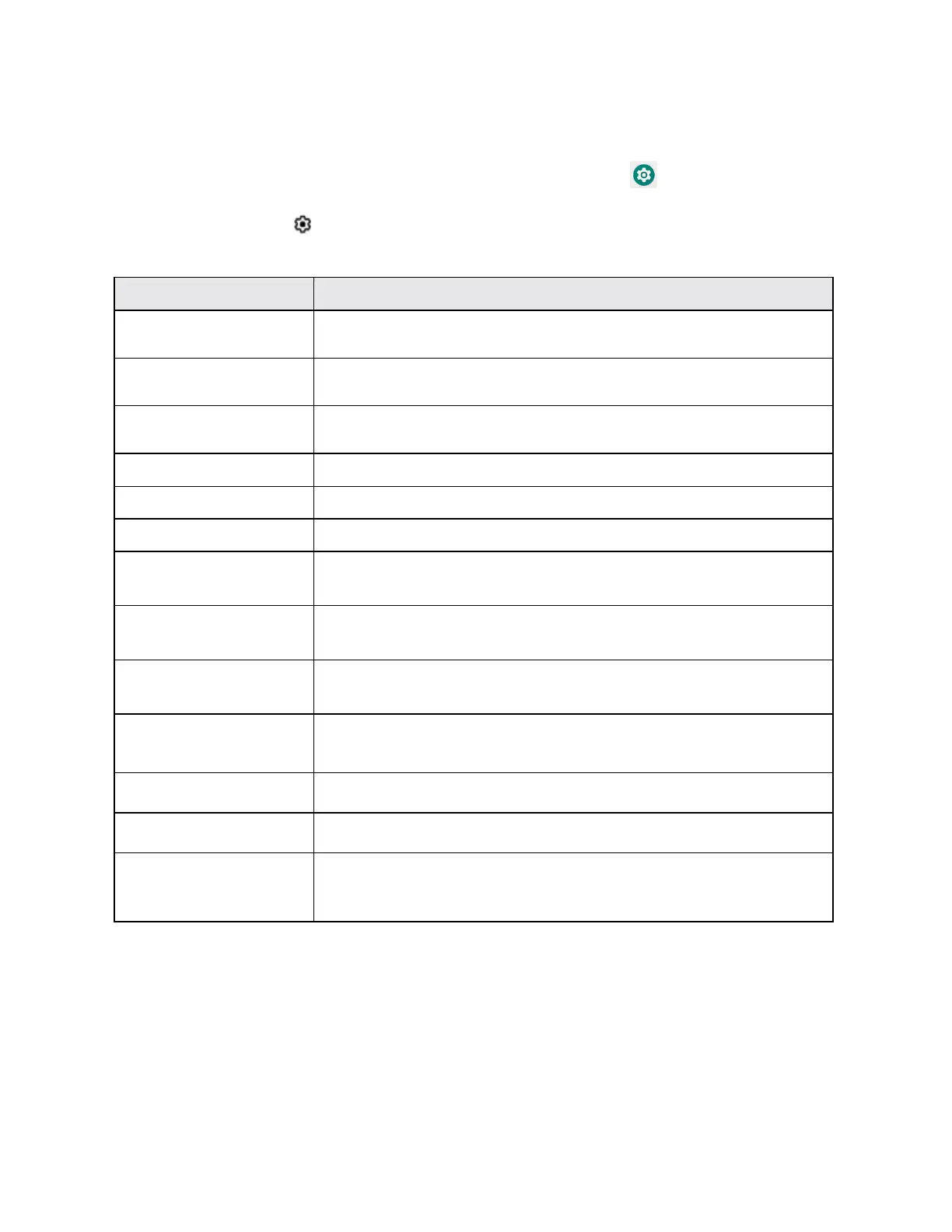
The table below outlines the top-level settings categories.
Set Wi-Fi, mobile network, Hotspot, VPN, airplane mode, and view
data usage.
Manage the settings on connected devices, like Bluetooth, Cast,
USB, etc.
View your recently opened Apps, manage the settings on
notifications, permissions, etc.
Monitor your phone‟s battery usage.
Set wallpaper, brightness, font size, etc.
Set ringtone, operation tones, etc.
Manage internal storage on your phone and provides menu
choices for an optional SD card (not included).
Set location access options, screen lock method, password
visibility, encryption & credential storage options, etc.
Manage all your email, social networking, and picture and video
sharing accounts.
Set accessibility options such as screen magnification, hearing aid
compatibility, etc.
View basic steps to get your phone setup quickly and easily.
Check and set Google service options.
Set language and time, manage reset options, enable backup,
check phone updates, and view more important information about
your phone.



 To Next Page