44
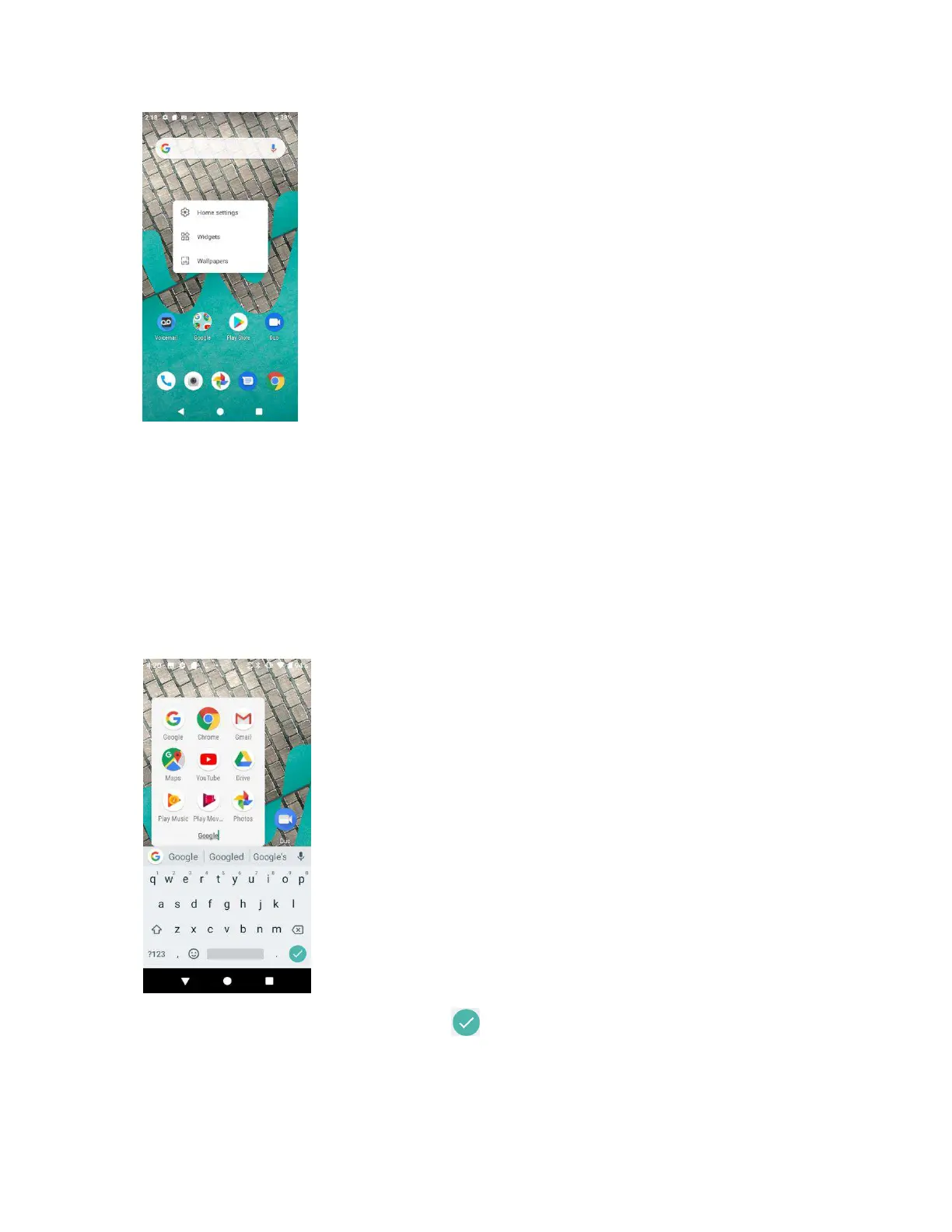
2. Touch and hold a widget icon. The icon will disengage and you will see thumbnails of your
home screens.
3. Drag the icon to an empty location on one of the home screens. The widget is added to the
home screen.
Add foldes to the hoe see
You can group home screen shortcuts into folders for convenient access.
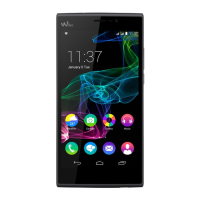
1. Drag a shortcut and release it over another shortcut on the Home screen to create a folder.
2. Type a name for the folder, and then tap .


 To Next Page