11
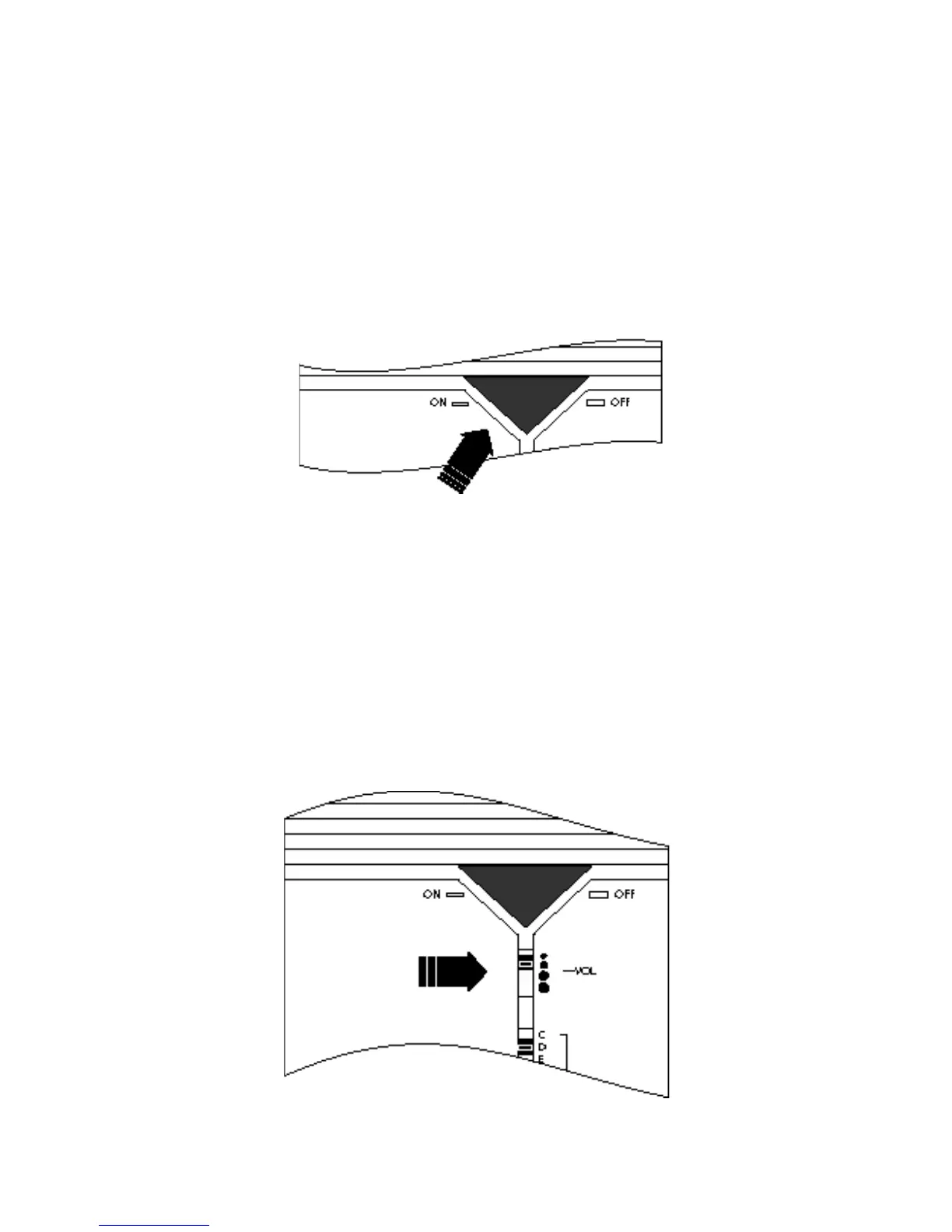
Fig 7
Setting volume and tone
The volume control has four positions. Each position has a mark, which in-
dicates the selected ring volume. A small mark indicates a low ring volume
while a large mark indicates a loud ring volume. By moving the control up
and down in the four dierent positions you can select the ring volume
that suits you best. See Fig. 8.
Fig 8
Turning the RINGMAX on and off
By pressing the triangular ON/OFF button you can easily switch the RING-
MAX on or o. If you decide to switch the RlNGMAX o (button up) it will
remain completely silent when the telephone rings.
See Fig. 7.



 To Next Page