9
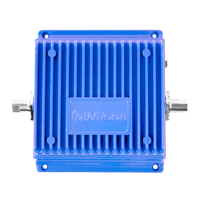
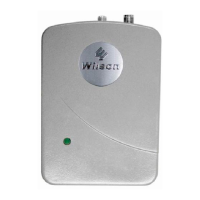
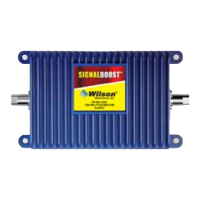
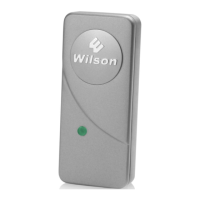
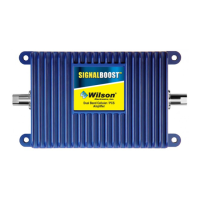
Powering up a Wilson Amplifi er
For in-vehicle, fi rst connect the power
cable to the amplifi er input marked
“DC 12 V IN” and then insert the large
end into a 12 V DC power socket or
cigarette lighter outlet.
The amplifi er may remain on all the
time; however, leaving the amplifi er on
in a vehicle when it is not running can
discharge the battery in a day or two.
A good option is to power the amplifi er
through the ignition switch so that
the amplifi er turns off and on with the
vehicle.
For in-building, fi rst connect the
optional AC/DC power supply to the
amplifi er input labeled “DC 12 V IN”
and then into a wall outlet.
Carefully insert the power cable.
In-vehicle 12-volt DC power supply (included)
Warning: Use only a Wilson power
supply. Use of a non-Wilson product could
damage your equipment.
!
Testing a Wilson Amplifi er
To test your amplifi er, go to a weak signal area where your cell phone registers
only 1-2 bars without the amplifi er turned on. Then, connect the amplifi er to the
phone and you should see a signal improvement of 2 or more bars. Note: many
phones take up to 20 seconds to reset the bar indicator.
Warning: Verify that both the outside
antenna and the adapter extension cable are
connected to the amplifi er before powering up
the amplifi er.
!
In-building AC/DC power supply (optional)


 To Next Page