3
Before Getting Started
This guide will help you properly install Wilson’s direct connection amplifi ers in
both in-vehicle and in-building applications. It is important to read through all
of the installation steps for your particular application prior to installing
any equipment. Read through the instructions, visualize where all the
equipment will need to be installed and do a soft installation before mounting any
equipment. If you do not understand the instructions in full, seek professional
help, or contact Wilson Technical Support at 866-294-1660.
Inside this Package
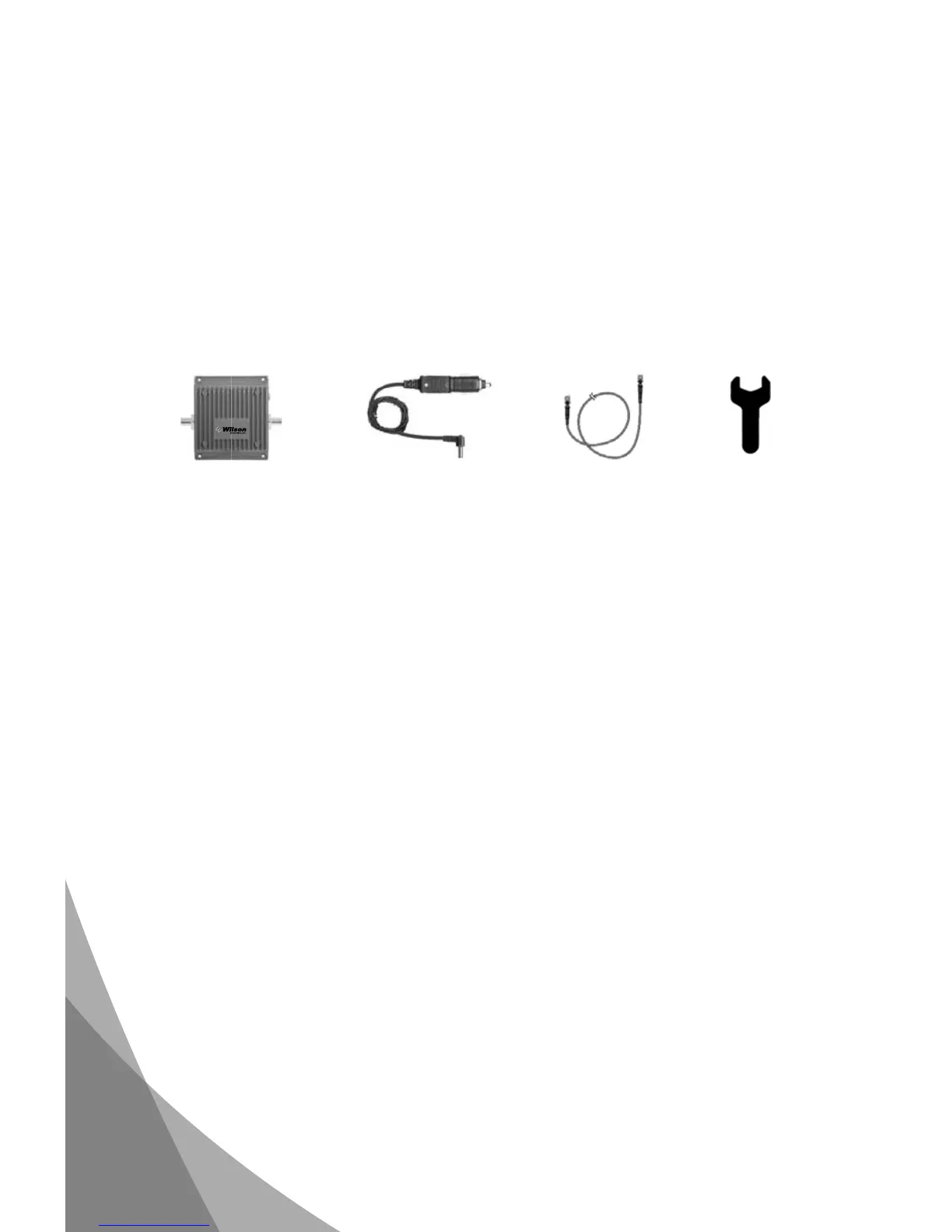
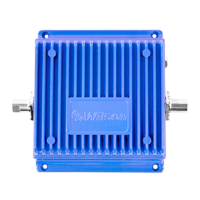
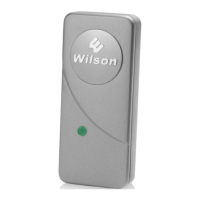
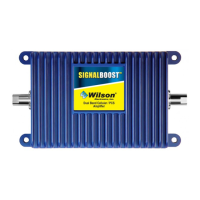
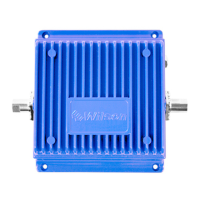
• Direct connection amplifi er
• DC plug-in power supply with On/Off switch
• 6 ‘ extension cable
Additional Equipment
• Outside antenna for in-vehicle or in-building use (required)
(NOTE: specifi cally tuned iDEN antennas available)
• Cell phone-specifi c external antenna adapter (required)
• AC/DC power supply (optional – for in-building use)
How it Works
Wilson amplifi ers are small, portable, bi-directional devices that deliver service
levels consistent with what would be expected in areas of high cell network
coverage. They amplify a weak or shadowed signal in mobile, marine and in-
building applications.
When using a Wilson amplifi er in conjunction with Wilson antennas, the outside
antenna will collect the cell tower signal and send it through the cable to the
amplifi er. Cell phones and cellular data cards (laptops) then communicate with
the improved signal. When a cell phone or cellular data card transmits, the
signal is amplifi ed by the amplifi er and broadcast back to the cell tower through
the outside antenna.
Direct connection
amplifi er
6‘ extension
cable
DC plug-in power
supply
Cable
wrench


 To Next Page