Playback
Firstly, remove the camera away from the installation position. Long press the OK button to enter playback
mode after selected“TEST”.
Press Up or Down button to check all photos and videos.
When replay videos, press the OK button to start playing and press it again to pause. Press the Up button
to fast forward and the Down button to fast backward. Exit the current playback by pressing the Menu
button.
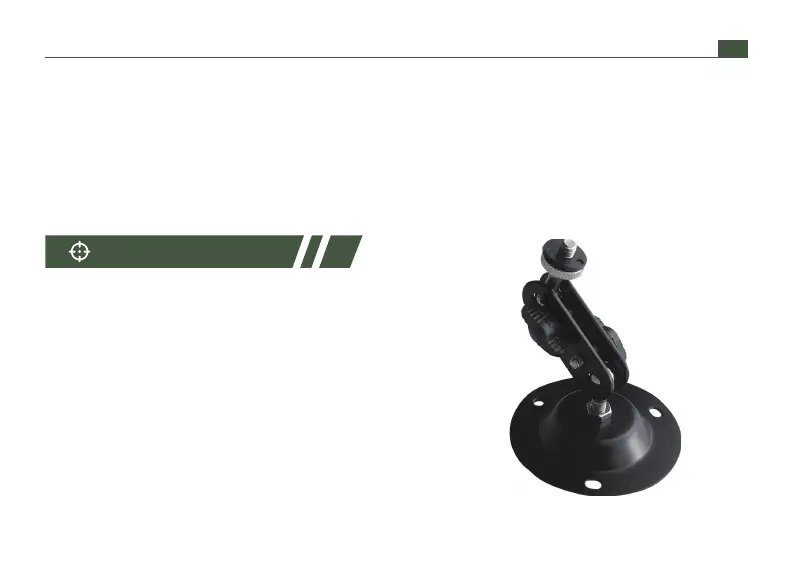
The camera can be installed on the wall or in the tree
with the bracket we provide. Please make sure all
screws tighten. The best installing height is about 1m
from the ground.
Installing Bracket
01 02 03 04 05 06 07 08 09 10 11 12 13 14
15 16 17 18 19 20 21 22 23 24 25 26 27 28
29 30 31 32 33 34 35 36 37 38 39 40 41 42
43 44 45 46 47 48 49 50 51 52 53 54 55 56
57 58 59 60 61 62 63 64 65 66 67 68 69 70
EN
support@wimius.com


 To Next Page