support01@wimius.com
EN 14
2.2 Vertical Keystone
Select the [
Settings
] menu -- Select the [
Keystone
] Option, Then select the [
Vertical Keystone
] option
to adjust the screen vertically
±30°
with the arrow keys until the guides are adjusted to a rectangle.
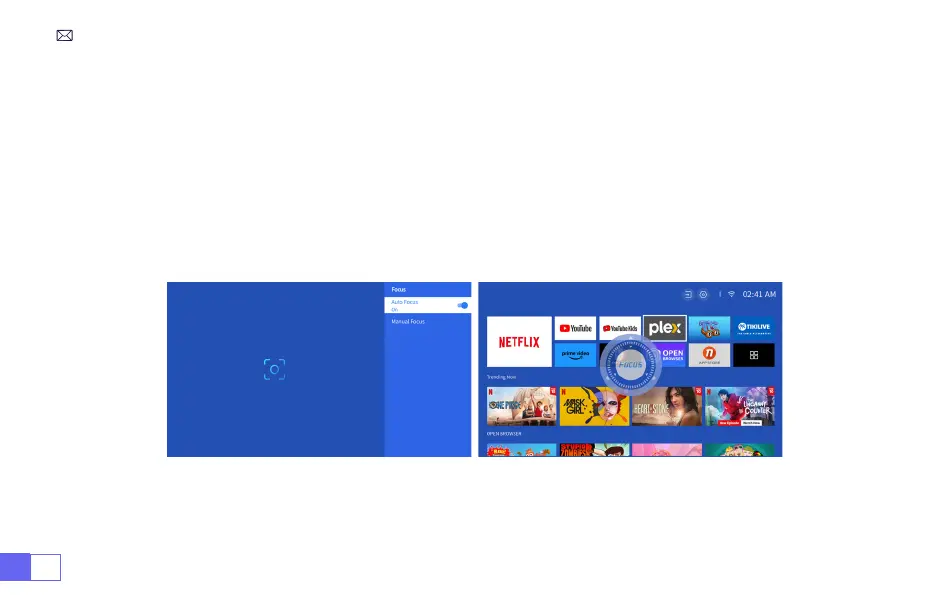
Please place the projector horizontally face to the wall first, Select the [
Settings
] menu --Select the
[
Keystone
] or [
Focus
] Option- Turn on the [
Auto Correction
] or [
Auto Focus
] option, then it will
automatically focus the picture based on the projection distance from the screen and adjust the picture to
a rectangle when you change the projection angle.
3.Auto Keystone Correction and Focus
If the picture is blurry, press repeatedly the focus button
''F+'' ''F-''
on the remote control to adjust the lens
focus, until the picture is clear.
(
**There is no need to press the OK button after the screen is clear
)



 To Next Page