support01@wimius.com
EN15
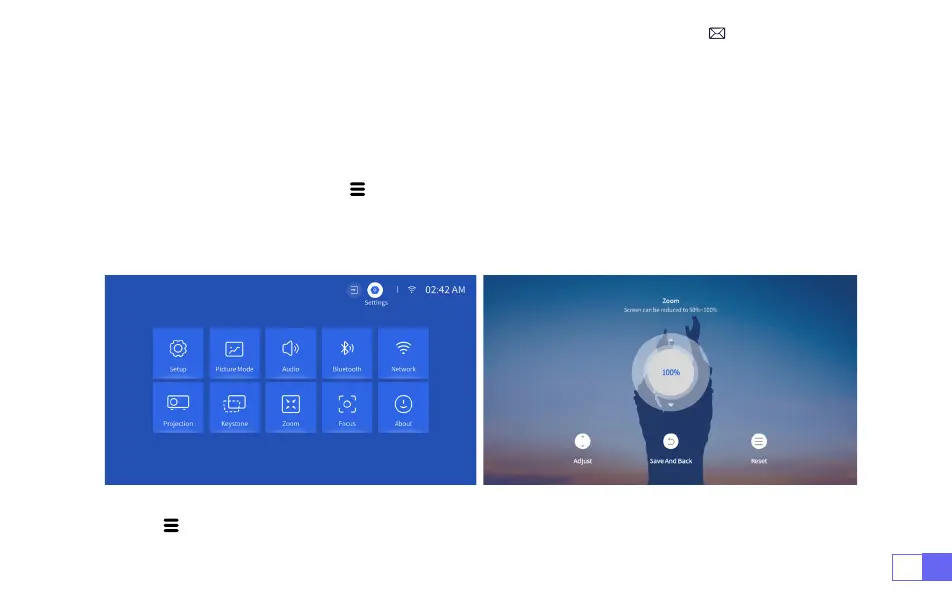
Go to the home page -- Select the" "menu -- Select the [ Settings ]-- Select the [ Zoom ] option, the
projection screen can be zoomed 50%~100%. Press the button "
↑
↓
" to set the value needed as shown
below.
Reset:
Press " ", and the image will restore to the original zoom correction settings.
4.Zoom Setting
Note:
The side projection angle of the projector should not exceed 20°. Also, there should be no obstacles
in front of the projector. Otherwise the automatic keystone correction function may not work.



 To Next Page