support01@wimius.com
EN 16
PROJECTOR SMART SETTINGS
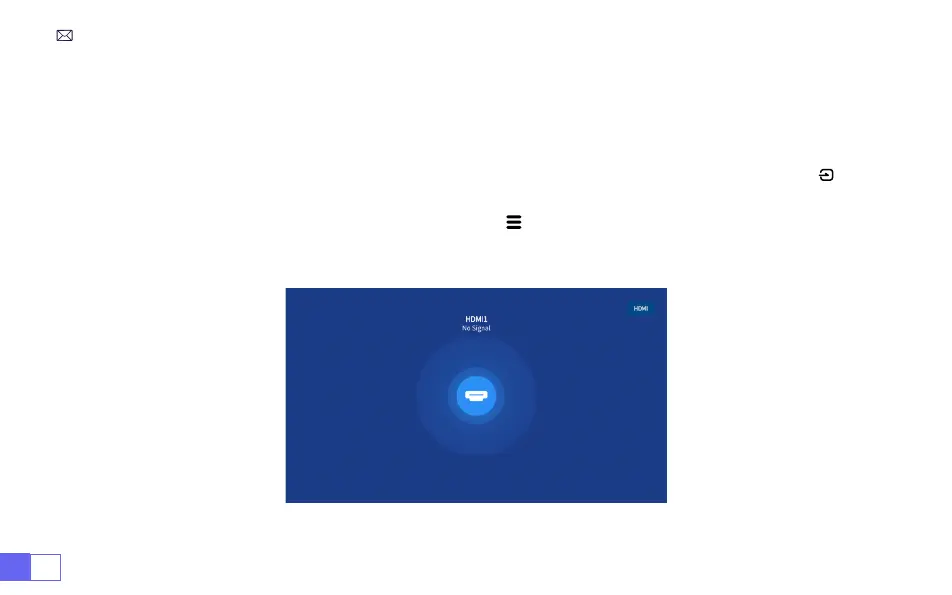
Select the desired input signal source (HDMI1/HDMI2) on the home page, or you can press the “ ” button
on the remote control to select the corresponding signal source.
When playing a video, you can press the menu button " " , then select [
Picture Mode
]. You can freely
adjust the brightness and contrast of the image and other functions.
1.Select The Signal Source
1.1 Select The HDMI Input Signal Source



 To Next Page