support01@wimius.com
EN17
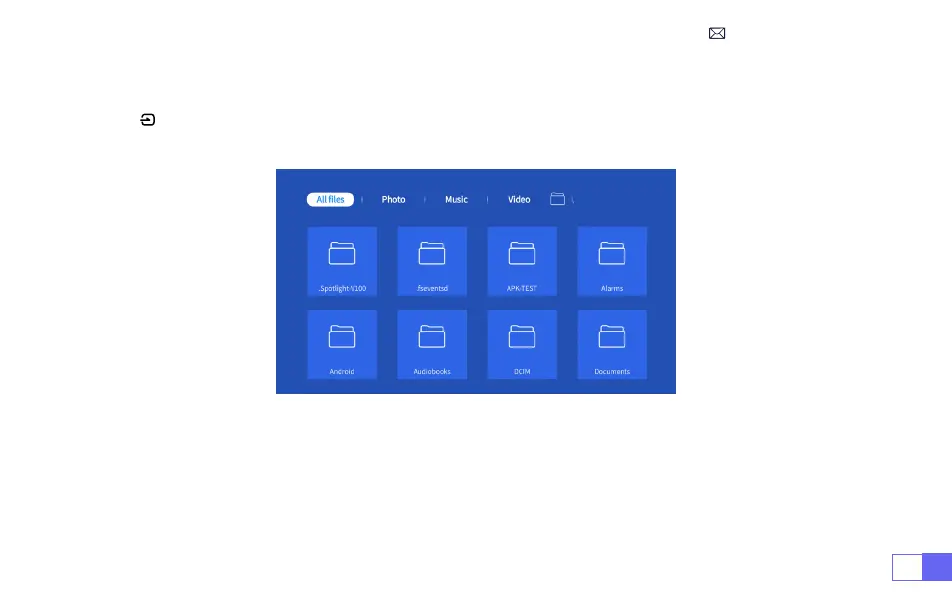
For USB devices, no need to choose the signal source. The machine will detect them automatically.
Press the “ ” button and Select the [
USB input signal source
] on the home page:
Warm Tips:
If the projector cannot recognize the USB disk, please refer to the following methods to
solve the problem.
Please conrm whether your USB disk meets the following formats.
1. FAT32: 8G/16G/32G 2. NTFS: 64G
1.2 Select The USB Input Signal Source



 To Next Page