support01@wimius.com
EN13
2.Manual Keystone Correction
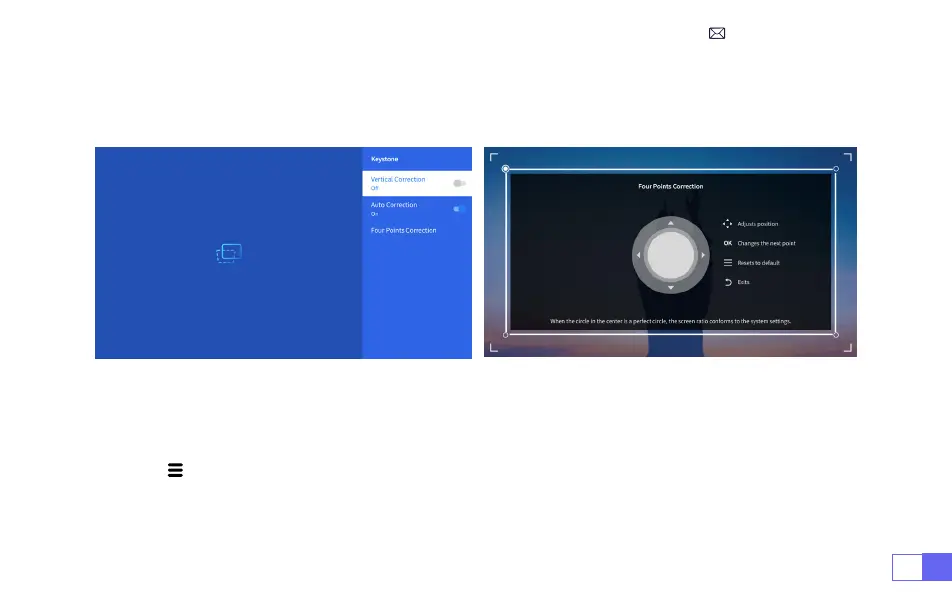
2.1 Four-Point Keystone
Select the [
Settings
] menu -- Select the [
Keystone
] Option, Then select the [
Four Point Correction
],
Just click “OK” button to pick the point you want to adjust at rst, and then press the button "
▶
" or "
▼
" to
set the value(Vertical 0~100) needed as shown below.
Reset:
Press " ", and the image will restore to the original keystone correction settings.



 To Next Page