support01@wimius.com
EN21
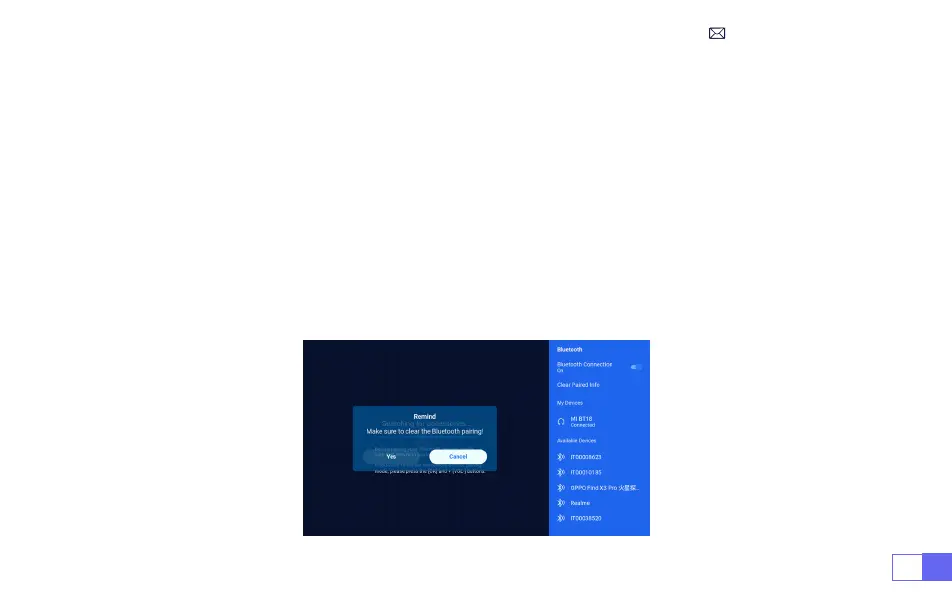
1. Turn on your Bluetooth Speaker.
2. Turn on the [
Bluetooth Settings
] of your projector.
3. Seclect your Bluetooth speaker to connect.
4. Succeed.
Note:
1. This step is only applicable to connecting the Bluetooth speaker but not to mobile phone Bluetooth.
2. The K9 projector is compatible with most Bluetooth headsets, Bluetooth speakers and Airpods, but not
the Bluetooth keyboards.
3. If you have any questions, please feel free to email WiMiUS via:
support01@wimius.com.
3.Bluetooth Settings



 To Next Page