support01@wimius.com
EN 20
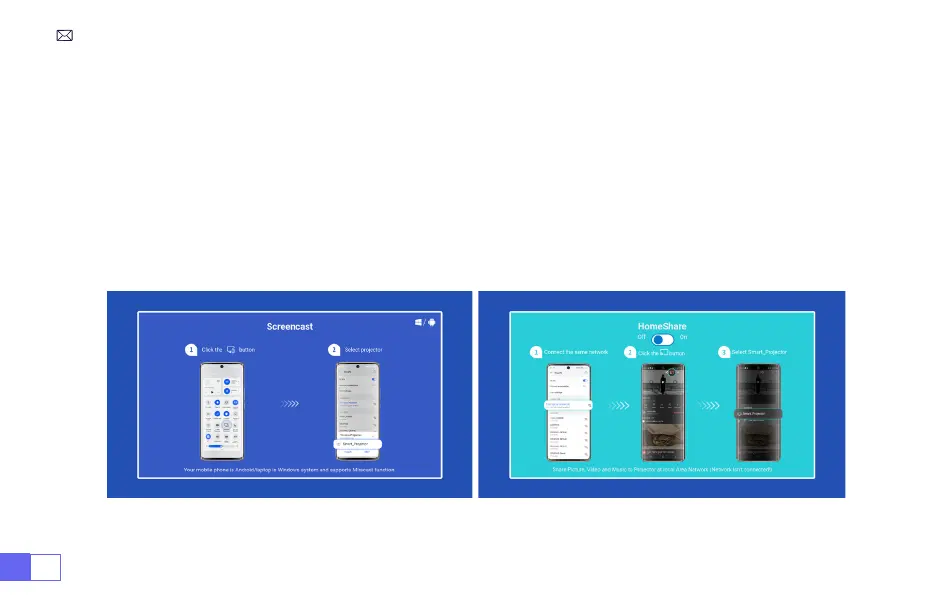
To activate this function, your android device must support Multi-Screen/Wireless Display. The name of
“Multi-Screen” may vary depending on various brands of Android devices.
Setting with mobile internet
1. Turn on the projector, and select “Screencast” as the Input Source.
2. Turn on the “Multi-Screen/Wireless Display” of your Android device.
3. Select “WiMiUS-K9 Projector/Smart Projector”from the search results to connect.
4. Succeed.
For Android System



 To Next Page