The distance between the projector and screen
The distance from the projector and screen determines the size of the image.
Depending on your display setting and how you use the focusing ring, the actual size
may dier. See the following gure as a guide for projector placement.
Screen Size(16:9) Projection Distance
60”
72”
84”
100”
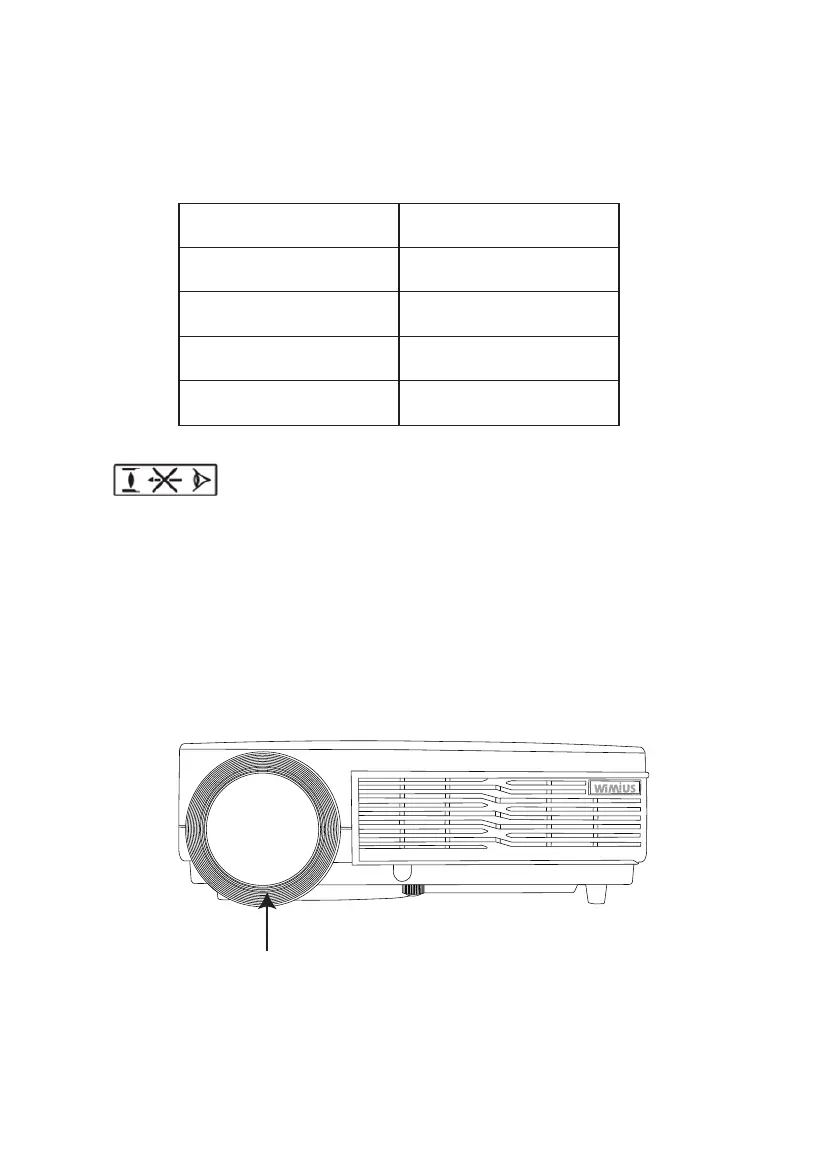
Focusing Ring
2.0~2.1 m
2.3~2.5 m
2.7~2.9 m
3.2~3.4 m
High brightness lamp!
Avoid staring or looking directly at the light, especially for children.
Focus adjustment
Place the lens perpendicular to projection screen. Rotate the lens clockwise and the
lens will be back into the projector. Rotate the lens anticlockwise with the lens
coming out. Move the focusing ring following the operation method to sharpen the
image until the image is clear. During the adjustment, you can play shows or call up
the menu for easy operation.
7



 To Next Page