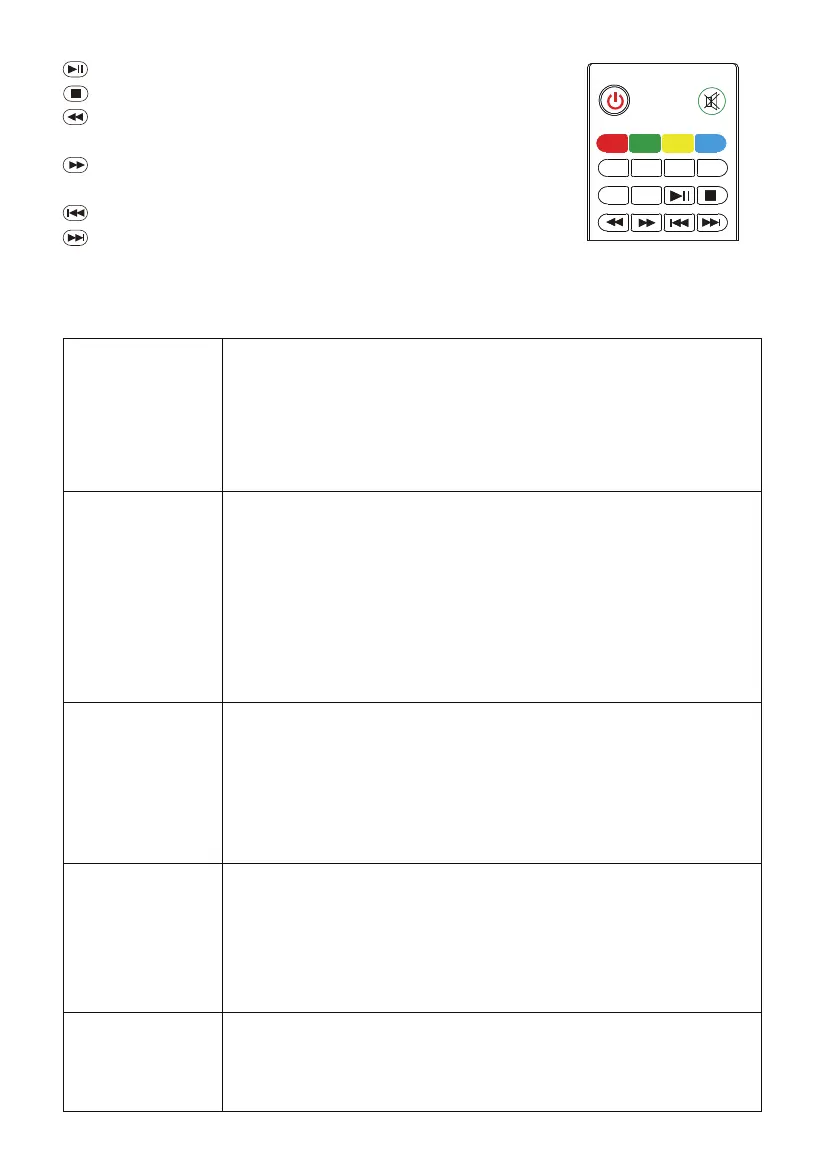
Play/Pause: Start to play or pause video
Stop: Stop playing
Fast Backward: Play video back in speed of 2x, 4x,
8x, 16x, 32x
Fast Forward: Play video forward in speed of 2x, 4x,
8x, 16x, 32x
Last: Play the previous selected program
Next: Play the next selected program
TTX
TTX
DT V
SUPAGE
GOTO
EPG
REC
DT V
GOTO
EPG
REC
MOD E ZOOM
SCHEDULE
6. Troubleshooting
After the
projector power
up, the indicator
does not light.
◇ Does power cable plug in or connect well?
◇ Does the power switch on the outlet is on?
◇ Does the outlet have a normal mains voltage?
◇ Check the over-heat protection system.
◇ Does the power switch of the projector turn on?
After turn on the
projector, there is
no image on the
screen.
◇ Does the signal source of the projector select correct?
◇ Does the signal cable plug in?
◇ Does the signal cable plug in the wrong position?
◇ Under VGA input mode, does the computer display refresh
rate set too high?
◇ When using a portable computer, does the output of the
laptop have set to signal external display?
Press the Power
button on the
remote control
and the projector
cannot turn up.
◇ Do the remote control batteries run out?
◇ Are there obstructions between the receiver window and
the remote control?
◇ Is the operating distance of the remote control and
the projector too far?
The protector
automatically
shut down after
each boot for a
period of time.
◇ Is the vent of the projector blocked by other objects?
◇ Does the projector overheat protection?
Normal picture,
but no sound.
◇ Does the volume of the projector turn to minimum or mute?
◇ Is there a stereo audio signal output device?
◇ Does the volume of the sound equipment turn to minimum?
Check the following before contact the technicians.
14



 To Next Page