59
Chapter 5 NVIDIA RAID Introduction
NF4K8AB Series User Manual
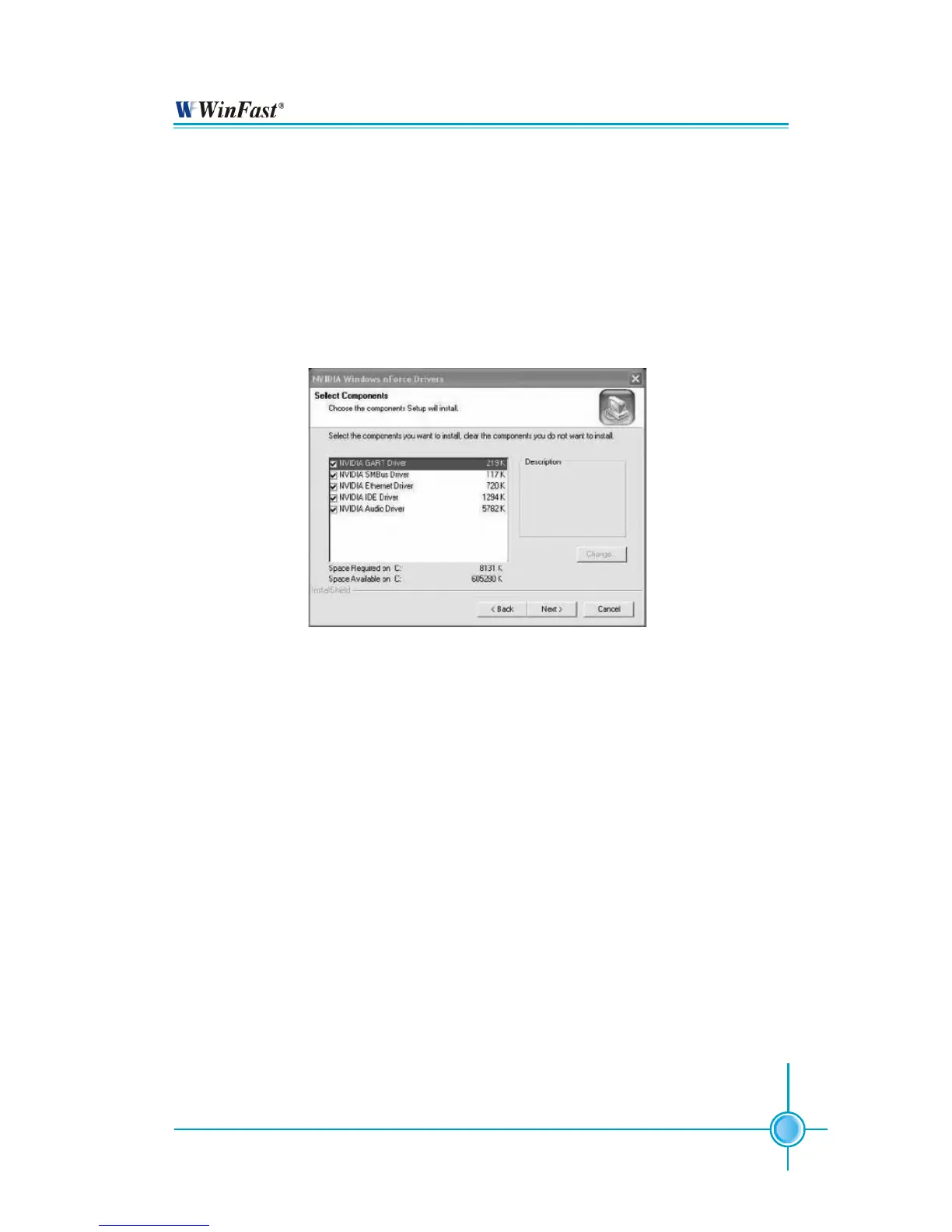
2. Select the modules that you want to install. Select the relative options that you
have configured.
3. Click Next and then follow the instructions.
4. After the installation is completed, be sure to reboot the PC.
5. After the reboot, initialize the newly created array.
Installing the NVIDIA RAID Software Under Windows (for Non-bootable RAID Array)
This section describes how to setup the application and install the RAID software
which will upgrade the Windows IDE driver and install the RAID driver.
1. Start the nForce Setup program to open the NVIDIA Windows nForce Drivers
page.
NVIDIA RAID Utility Installation


 To Next Page