Setthenumberofcellsto4S,whichcorrespondsto14.4V,andthechargingcurrentto7.5A,which
correspondsto1C.Confirmwith“enter”.
Confirmyoursettingsbypressingthe“enter”buttonfor2seconds.
Checkthesettings(Li-Ionbalancingmode,4S(14.4V),7.5A),andconfirmbypressing“enter”.
Chargingofemptybatteriestakesapproximately1hour.Oncethechargingisfinishedyougetan
audioconfirmationandyoucanseethemessage"finish"onthedisplay(16.4Voltcorrespondsto
fullychargedbatteries).
Useandchargethe4Sbatteriesalwaysinpairsastheyarelabeled(pairshavethesamecolor),i.e.
doNOTflywithtwobatterieswithdifferentcolorlabels.
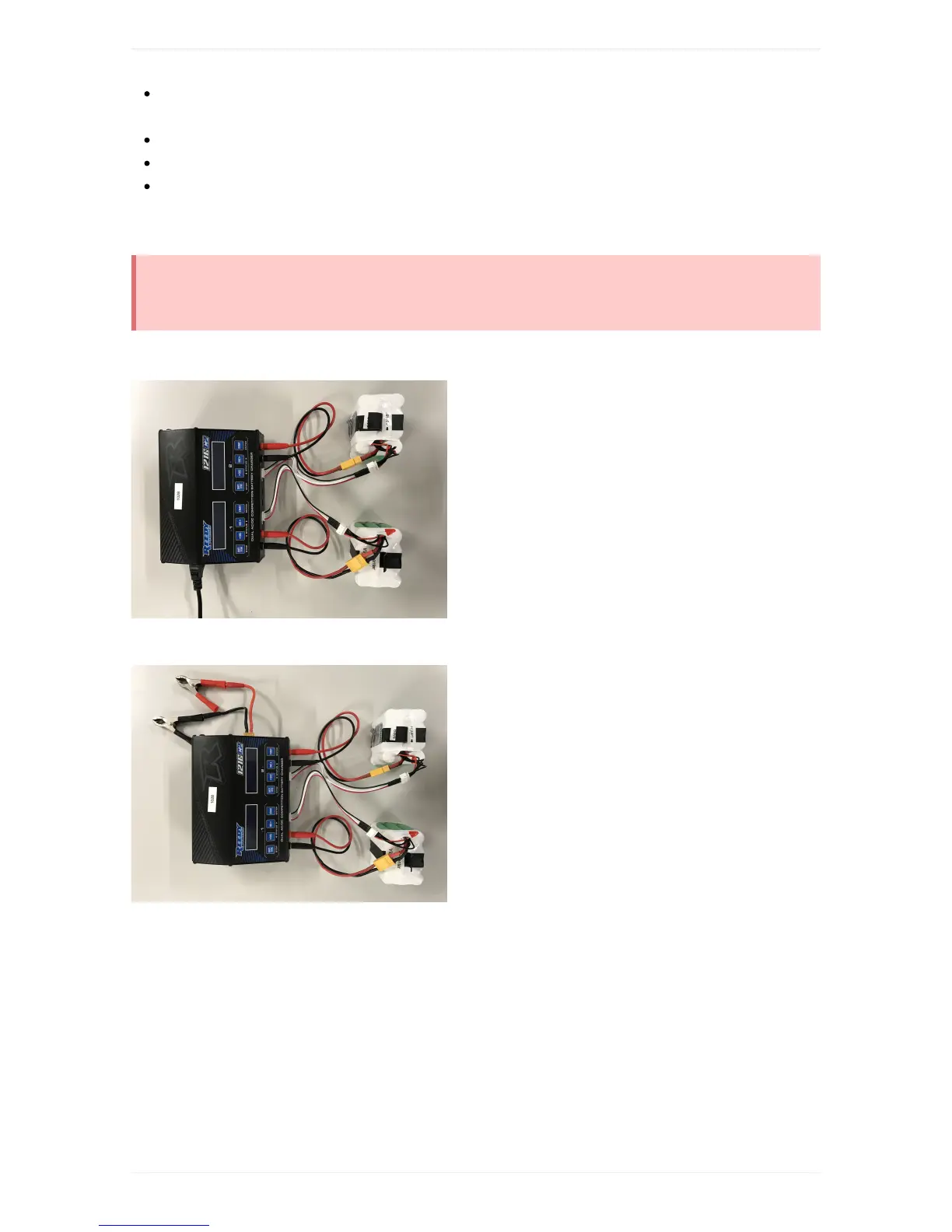
ChargerSetup(Office):
ChargerSetup(CarBattery):



 To Next Page