YoucannotmodifyaFlightPlanthathasbeenflownalready.IfyouwanttoreflyanalreadyflownFlight
Plan,clickontothefirstoption"CreateanewFlightPlan"andchoose"BasedonexistingFlightPlan".
Use"OpenanexistingFlightPlan"inthefollowingtwocases:
1. Youplannedaflightinofficeandwanttoflyormodifyitnow.
2. YouwanttoinspectsettingsofanalreadyflownFlightPlan.
3.GeotaganexistingFlightPlan
CollectedimagesaresavedontheSDcardinthecamerawithoutassignedGPSinformation(geotags).
Geotaggingappendsthisinformationtotheimagemetadata.Geotaggingshouldalwaysbedoneright
afterflight,whereyouwillbeguidedthroughtheprocessofgeotagging.Youcanusethismenuifyou
forgottogeotagafterflightoriftherewasanissuewithgeotaggingearlier.
4.Downloadmapsforofflineuse
Usethisoptiontodownloadmapsforofflineuseifyoudonothaveinternetconnectivityonthefield.See
belowformoredetails.
5.UpgradeWingtraOnefirmware
YoucanusethisoptiontoupgradetheWingtraOnefirmware.Seeherefordetails.
AdjustSettings/CustomizeWingtraPilot
Downloadmapsforofflineuse
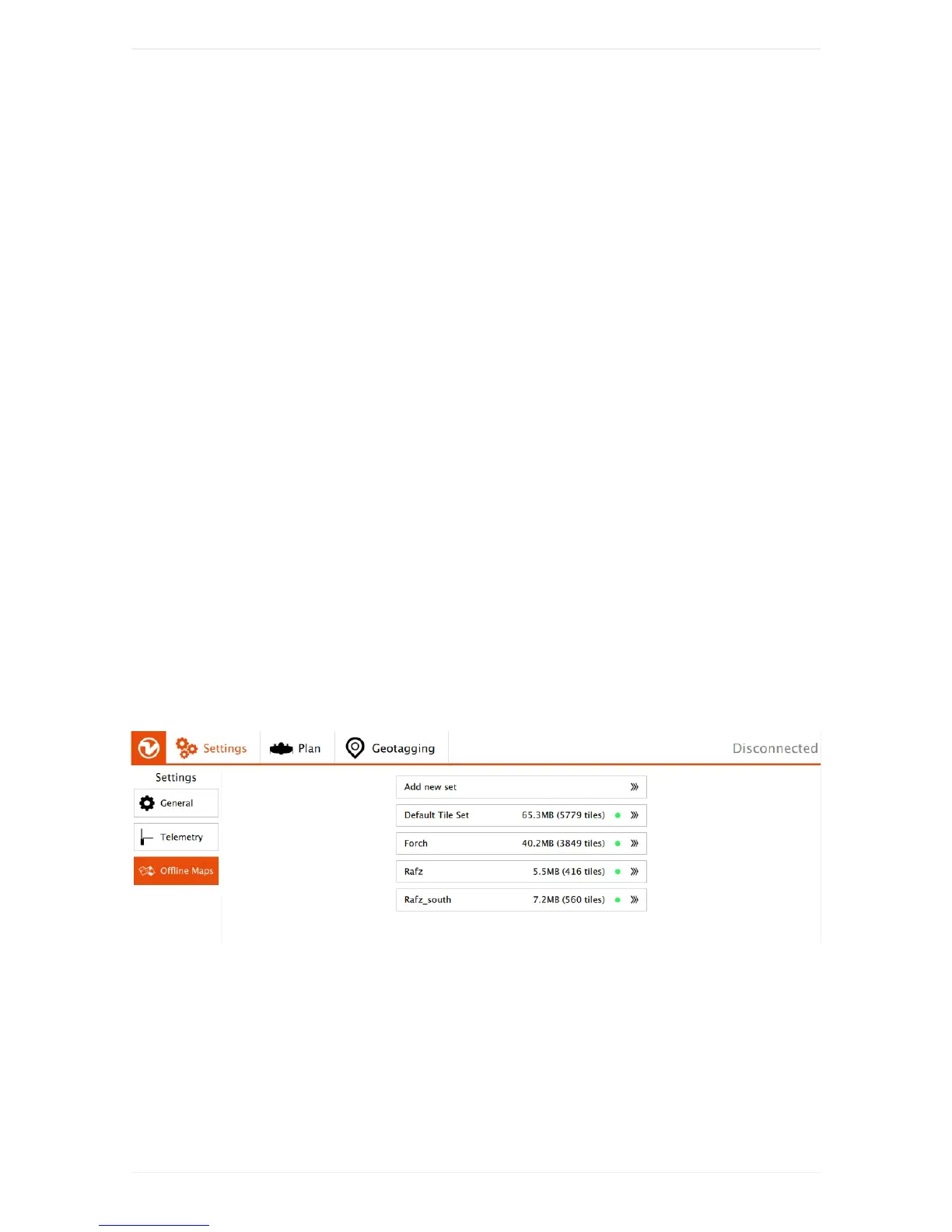
Onthesettingstab,select“OfflineMaps”and“Addnewset”.Navigatetothedesiredlocation,choosethe
rightmaptype,zoomoptions(defaultsof14-20shouldnormallybefine),givethesetadescriptivename,
anddownload.
Bepatientifthetilesarenotloadingimmediately.Ifthedownloadisstuck,restartWingtraPilot,navigate
tothesettingstab,select"OfflineMaps"again,andclickontoyournewset.Ontherightsideclickonto
"resumedownload"andbepatientagain.
ConnectmanuallytoWingtraOne



 To Next Page