English
11
5300-2
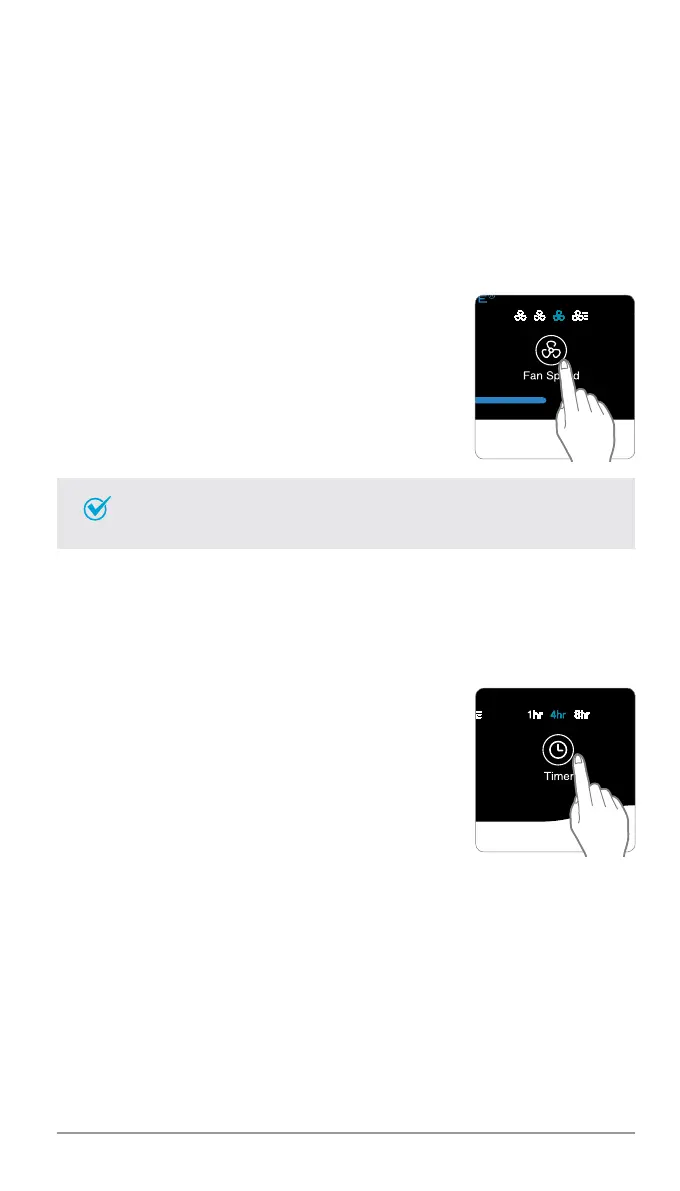
3. Manual Mode (setting fan speed)
Users can opt to manually set the fan speed to Low, Medium, High, or
Turbo.
• When Manual Mode is selected, Auto Mode is automatically
disabled.
Note
① Press the Fan Speed button to set
the desired fan speed.
4. Timer
The timer can be set to let the unit run for a specified period of time.
MANUAL & TIMER
① Press the Timer button to select
the desired length of time.
•When the Timer LED light will indicate
the selected length of operation.
•Every time the Timer button is
pressed, The Timer LED light will
cycle through the settings, (1hr, 4hr,
8hr, [NO TIMER]).



 To Next Page