English
9
5300-2
①
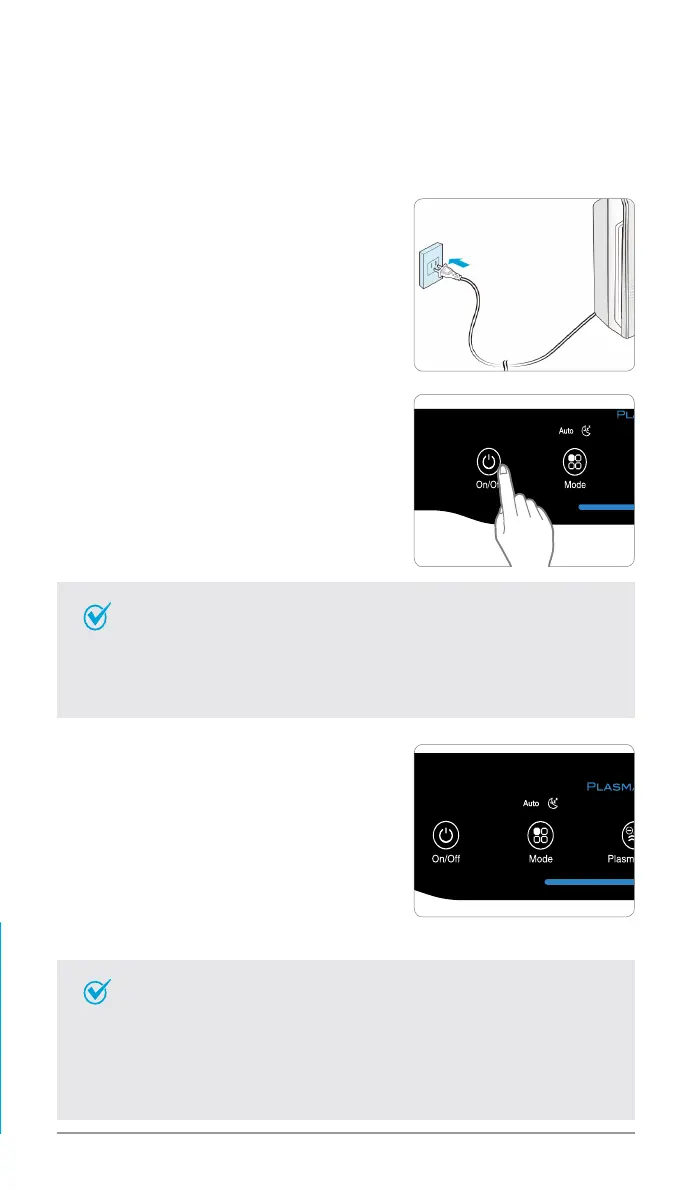
Insert the power cord into an electrical
outlet.
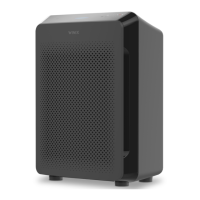
③
By default, when the unit first powers
on, the mode will be set to Auto with
PlasmaWave
®
enabled.
•When in Auto mode, the fan speed will
be automatically adjusted according to
the environments air quality.
•PlasmaWave
®
works to remove harmful
airborne contaminants.
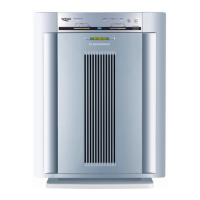
②
Press the ‘Power’ button.
•During the first 30 seconds of power up, the Air Quality
Indicator will cycle through Blue, Yellow and Red colors. The
Smart Sensors take approximately 4 minutes to gauge the air
quality in the environment, after which normal operation will
begin.
Note
•In Auto mode, as the indoor air quality improves, the fan
speed will automatically be reduced to Low.
•When the unit is running, you may hear a chirping or buzzing
sound. The sound is from large particles passing through
PlasmaWave
®
, it is normal and does not signify product
failure. To disable PlasmaWave
®
, see page 12.
Note
INITIAL OPERATION



 To Next Page