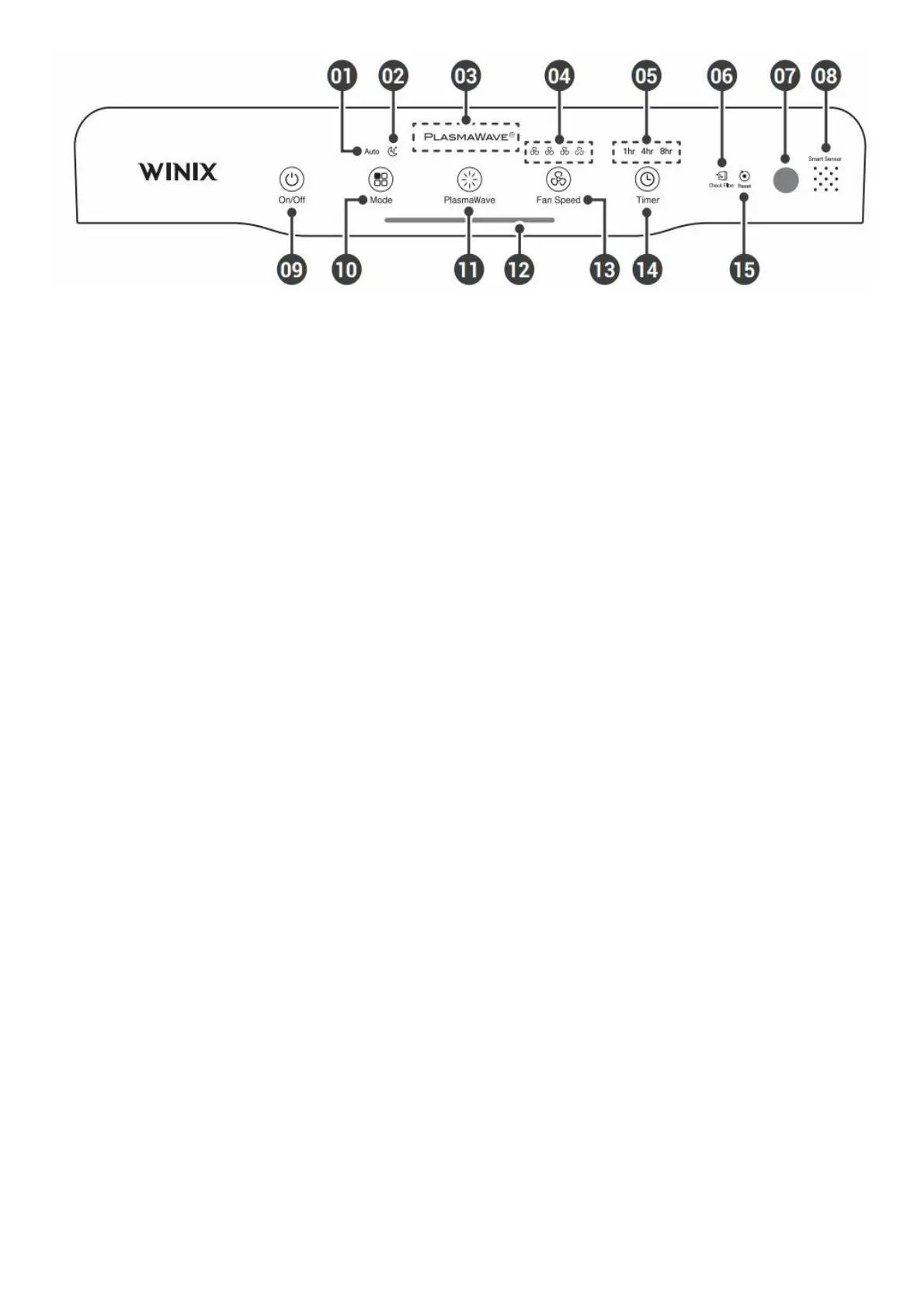
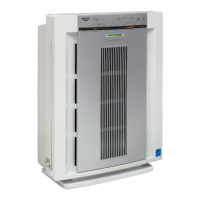
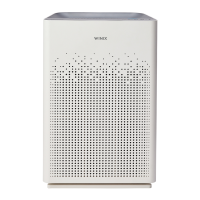
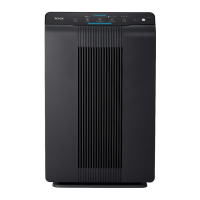
1. Auto Indicator
Indicates whether Auto Mode is enabled or disabled.
2. Sleep Indicator
Indicates whether Sleep Mode is enabled or disabled.
3. PlasmaWave® Indicator
Indicates whether PlasmaWave® is enabled or disabled.
4. Fan Speed Indicator
Indicates the current fan speed.
5. Timer Indicator
If timer has been set, the LED light indicates the set time of operation.
6. Filter Replacement Indicator
LED light indicates when it is time to change the filter.
7. Light Sensor
Detects the amount of ambient light in the environment.
8. Odor Sensor
During the first 30 seconds of powering up, the Air Quality Indicator will cycle through Blue, Amber and Red
colors. Odor Sensor takes approximately 4 minutes to detect the air quality in the environment before normal
operation begins.
9. Power Button
Turns the unit on or off. During the first 30 seconds of powering up, the Air Quality Indicator will cycle through
Blue, Amber and Red colors. Odor Sensor takes approximately 4 minutes to detect the air quality in the
environment before normal operation begins.
10. Mode Button
Press to cycle through to set the mode of operation (Auto, Sleep). The unit will default to Auto with
PlasmaWave® enabled when first powered on.
• Auto Mode:
– Auto Mode automatically adjusts fan speeds according to your indoor air quality. The fan speed will adjust to
low when air quality is good, medium when fair, and to high when poor.
• Sleep Mode:
– When Sleep Mode is activated, the Air Quality Indicator LED light is disabled.
– Fan speed will automatically set to minimum speed (lower than ‘Low’) which will be nearly silent.
– When Sleep Mode is active, PlasmaWave® will be disabled, but it can be turned back on.
11. PlasmaWave® Button
Enables or disables PlasmaWave®. “When the unit is running, you may hear a chirping or buzzing sound. The
sound is from large particles passing through PlasmaWave®, it is normal and does not signify product failure.”
Press the PlasmaWave® button when the unit is on to enable or disable this feature.
12. Air Quality Indicator
Color coded LED light indicates one of three levels of Air Quality: Red (poor), Amber (fair), and Blue (good).
13. Fan Speed Button
Enables manual operation of the unit’s fan speeds. · Press to cycle through and set the desired fan speed (Low,
Medium, High, Turbo).
14. Timer Button
Press to cycle through and set desired length of operation (1hr, 4hr, 8hr, [NO TIMER]).
15. Filter Reset Button
After replacing the filter, turn on the unit and then use a thin object, such as a paper clip, to press the Filter
Reset Button for 5 seconds.



 To Next Page