7
INITIAL OPERATION
Latch
1.
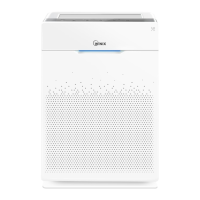
Remove the front panel by grasping its upper
edge and gently pulling forward.
2.
Remove the Pre-Filter, then the bag of filters
behind it.
3.
Remove filters from protective plastic bag.
4.
Install the filters until they fit securely in place.
03. True HEPA Filter (back)
02. Active Carbon Filter (middle)
01. Pre-Filter (front)
Latch
5.
After filters are installed, close the front panel.
6.
Insert the power cord into an electrical outlet.



 To Next Page