26
WINYCAM LOG
How to use
How to use
1) Remove a SD Card from Winner
Open a SD Card slot cover and press softly,
then a SD Card can be removed easily.
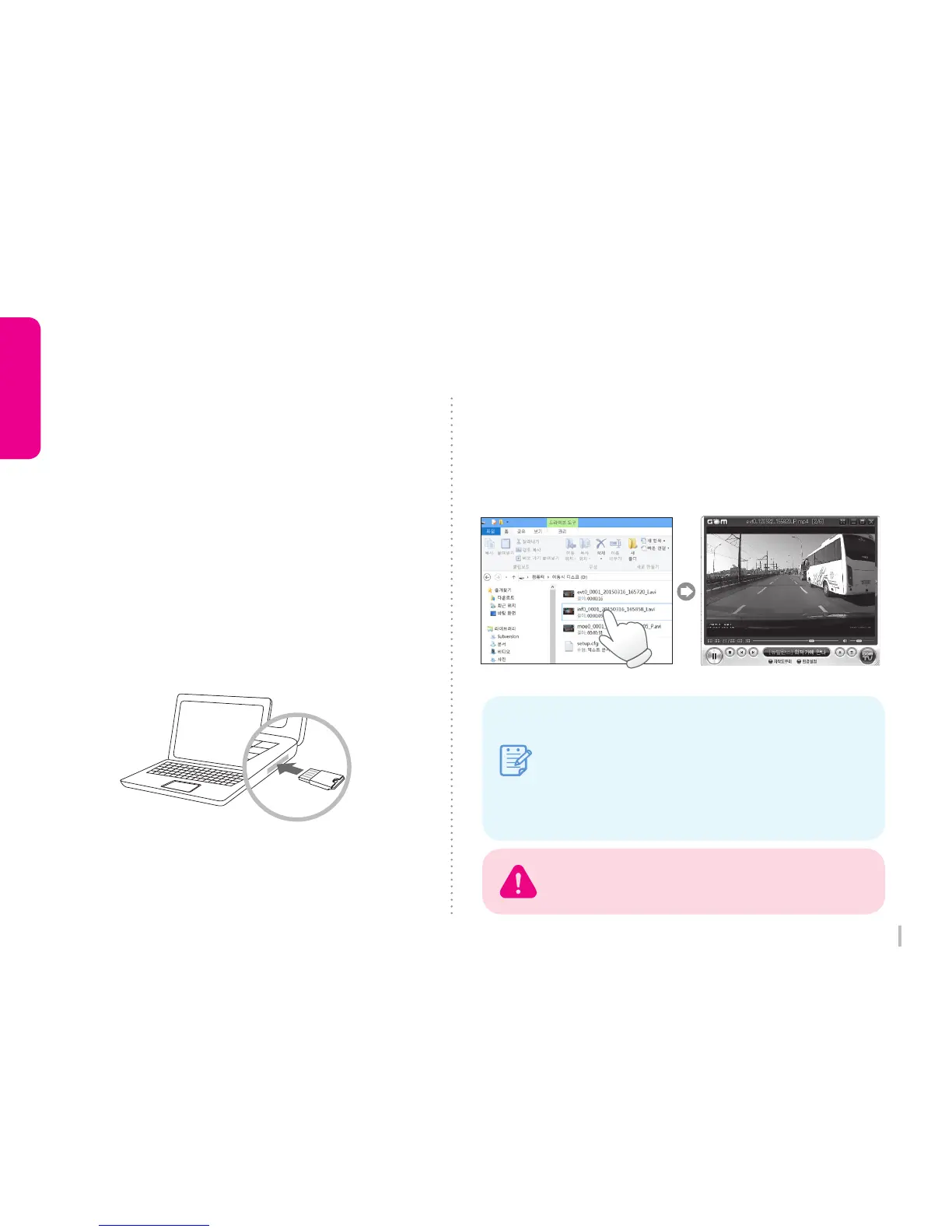
3) Playback
Open a removal disc, you can see each folders.
And click files to playback which is stored in
each folders.
2) Connect a SD Card to PC
Insert a SD card to SD Card Reader or to
adapter, and connect it to PC.
You can check only front REC when playing
by standard video player.
infxx
moexx
evtxx
GPS Information is displayed in the original viewer.
Note
: Constant(normal) record
: Motion record which is detected by
motion detection sensor. (Parking mode)
: Event record which is detected a shock
by shock sensor.
3-12. Playback (General video player)



 To Next Page