9
WINYCAM LOG
How to use
Please power off a car and LOG before
installation.
(Disconnect the power connection)
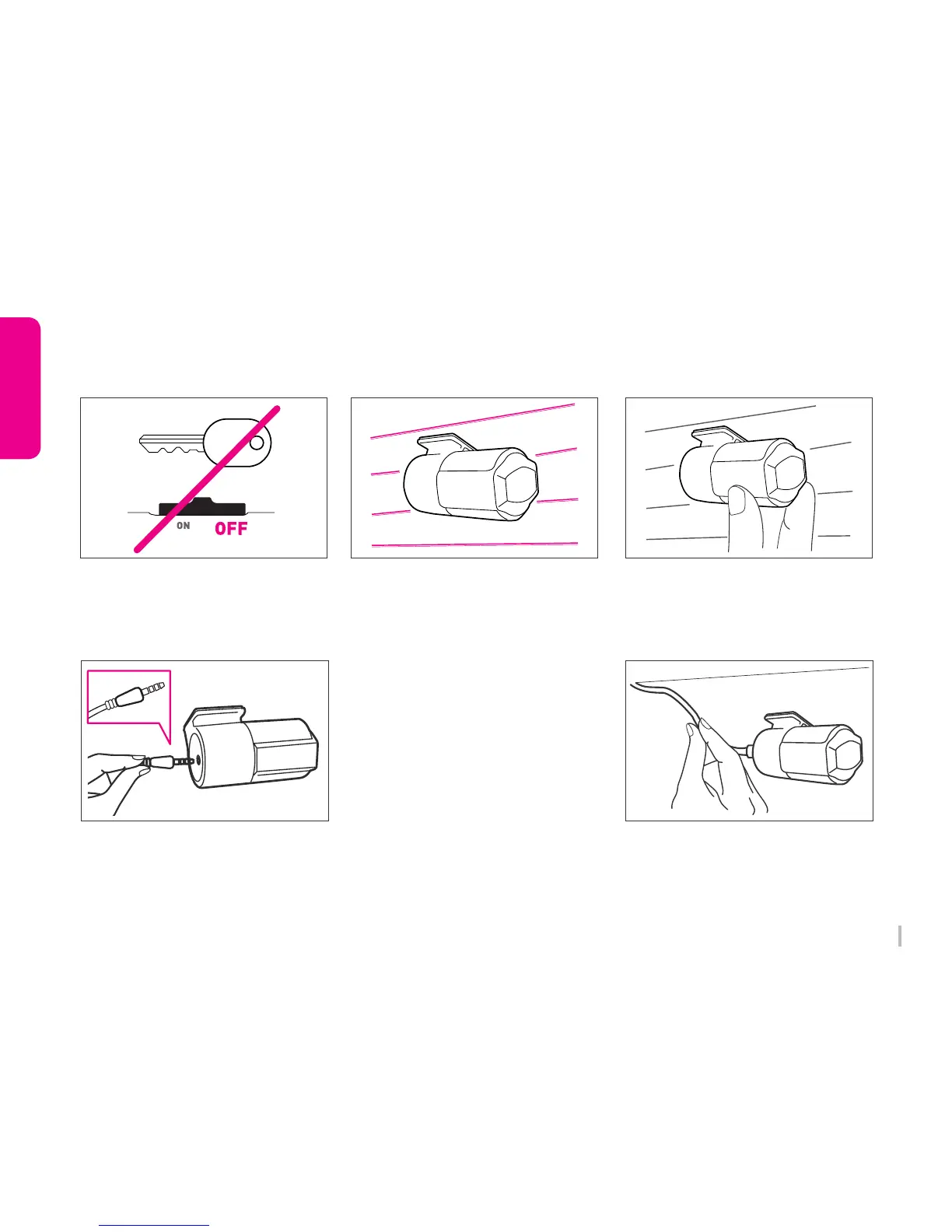
1. Shutdown a car battery and power
4. Connect video cable
2. Install a rear camera
5. Check an operation
3. Adjust a rear camera angle
6. Arrange a front/rear camera cable
After checking recording operation, well-
arrange a cable.
If you embed cable to car wall, please check
cable connection. Also after embedded
double-check if LOG can record properly.
Remove a protect sticker and attach a rear
camera in proper location in windshield.
Connect the ( ㅡ ) shape’s rear camera
cable to a rear camera connection slot and
the ( ㄱ ) shape’s one to a main body.
Adjust a camera angle and fix it. To adjust
the angle, the horizon is seen above the
right center of the screen.
Power on LOG and check to playback a REC
video correctly.
(The video splitter cable has to be connected
when check it with TV-OUT.)
3-2. Rear Camera Installation



 To Next Page