28
WINYCAM LOG
How to use
How to use
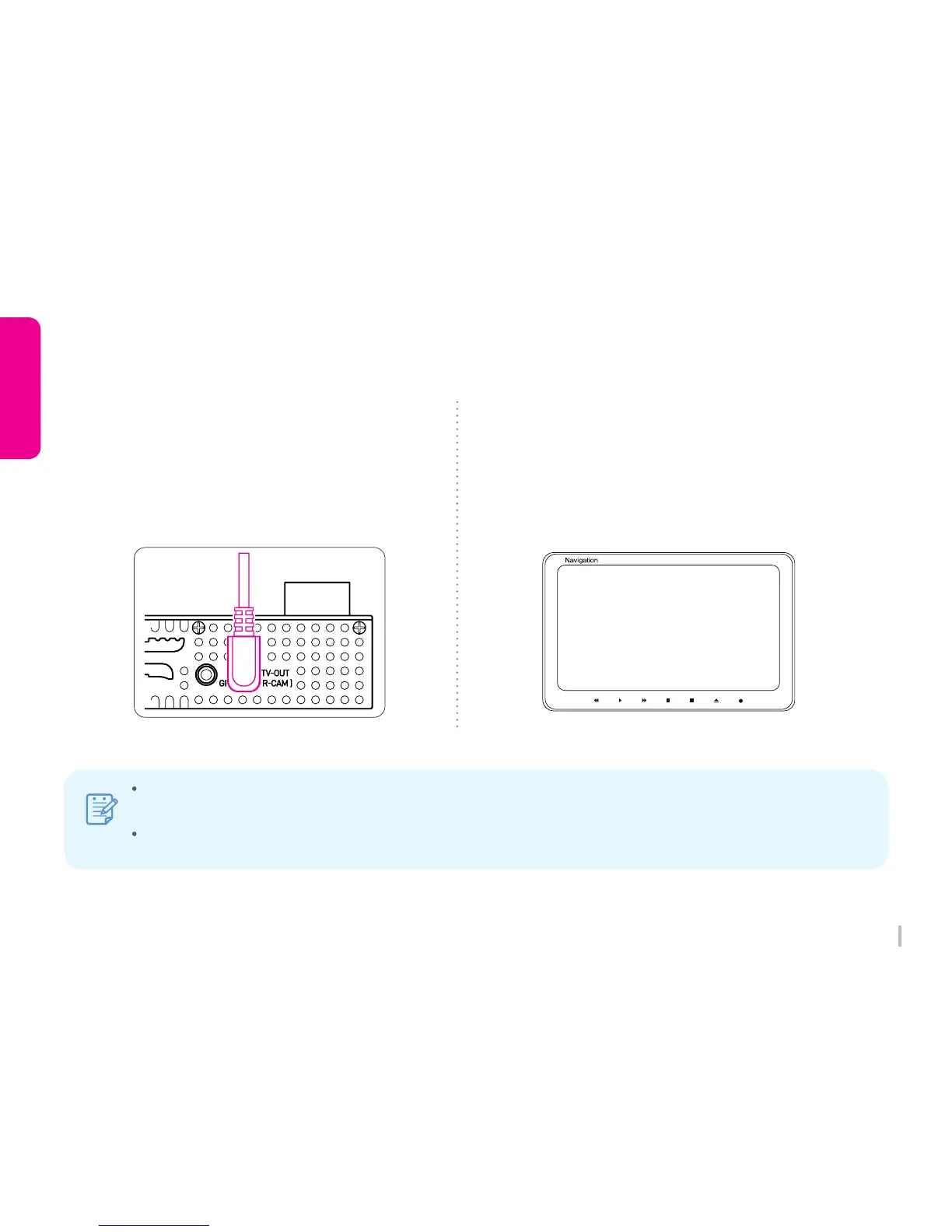
1) Connect TV Out cable
Connect TV Out cable to TV-OUT terminal
on the product.
Connect TV Out cable to video input terminal
on the TV / Vehicle navigation.
(TV Out cable : Option)
2) Set the video input mode
Set the video input mode on TV / Vehicle navigation
first and playback video for real-time monitoring.
Real-time recording image ONLY.
AV1(external input mode)
3-14. Playback (TV / Vehicle Navigation)
Note
Available only TV / Vehicle navigation has external input terminal.
Please check the TV / Vehicle navigation supplier for an external monitor cable.
Mode change method is different for each modes, please refer user manual of TV / Vehicle navigation.
If remove or insert TV Out cable during recording, recording will end and start reboot.



 To Next Page