Options
This menu allows to change some parameters of the transmitter or display some information
To change the name of the transmitter shown in the Status screen.
12 alphanumeric characters (A-Za-z0-9, case-sensitive)
To set the brightness of the display
5÷60 step 5sec.
60÷120 step 10 sec.
To set the display timeout for:
decrease the brightness of the display and
return to Status screen
to show the serial number of the product
(the same indicated in the product label)
to show the frequency range (MHz)
to show the temperature took near the RF amplifier (°C)
to show the temperature took near the RF generator (°C)
to show the temperature took near the RF microprocessor (°C)
to show the temperature took near the power supply (°C)
to show the firmware version (it sums up Boot+App+DSP versions)
to show the bootloader version
to show the application firmware version
to show the DSP firmware version
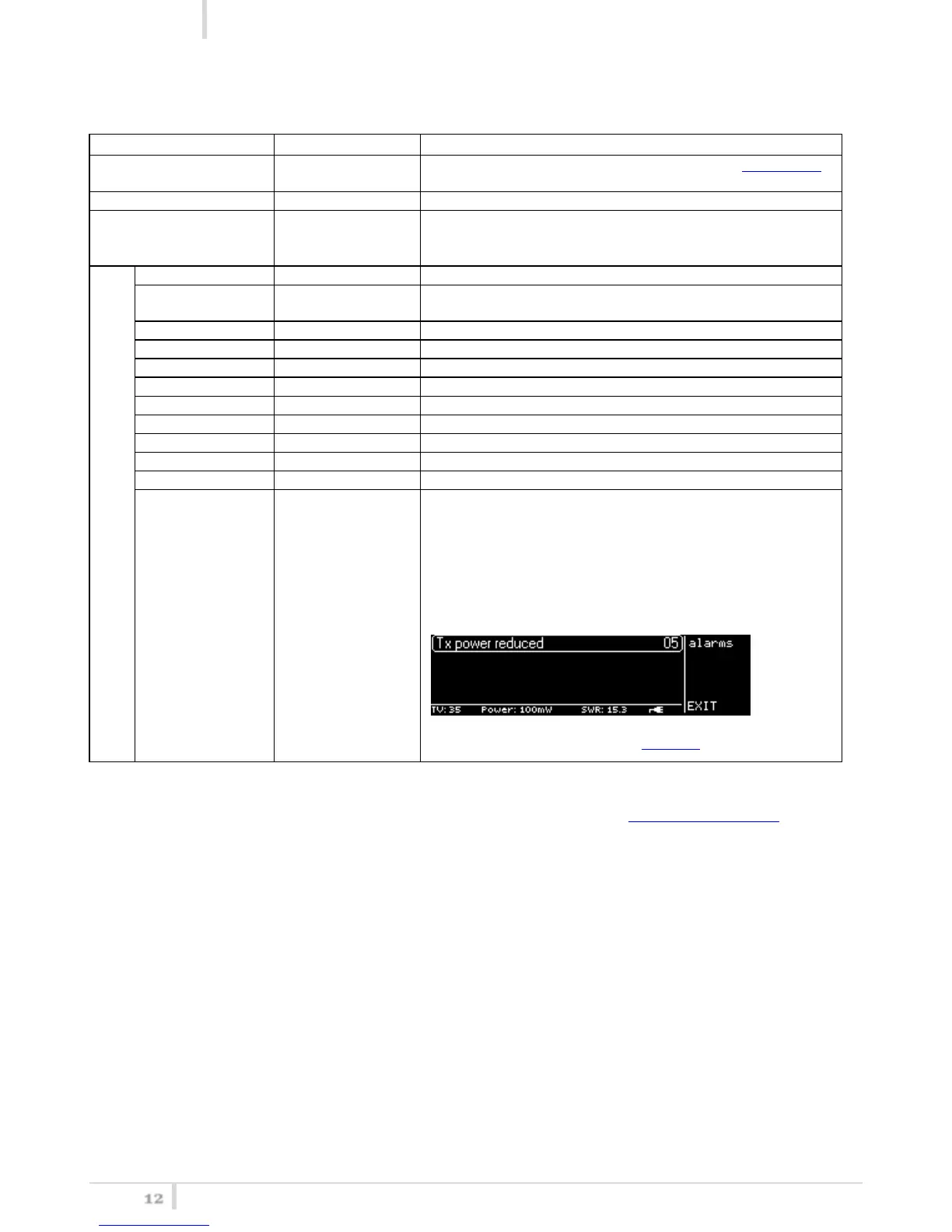
To show the number “n” of active alarms:
n=0 0 active alarms
n>0 n active alarms
When “n”>0, it is possible to enter in the alarm submenu which
allows to show the alarms list: a brief description and an alarm
code for each alarm.
For the complete list of alarms, see Alarm List section
Note: the complete software and hardware status is displayed on the MTK952 info screen



 To Next Page