MODE menu
The second item on the menu tree is “MODE”. It allows to manage several modes.
Each mode is a setup saved in an external memory that allows to customized the transmission
changing some parameters of the DSP. There are 2 types of modes:
PRESET mode: it allows to change only some parameters (the other are fixed). See
compatibility table at the end of the manual for more detail
USER mode: it allows to change all the parameters. Currently 8 USER modes are available
The menu Select for edit allows to select the MODE to edit. Push the knob to select the mode and
push the button LOAD to load the previously saved parameters. It is possible to change the
parameter value only where the EDIT indication appears.
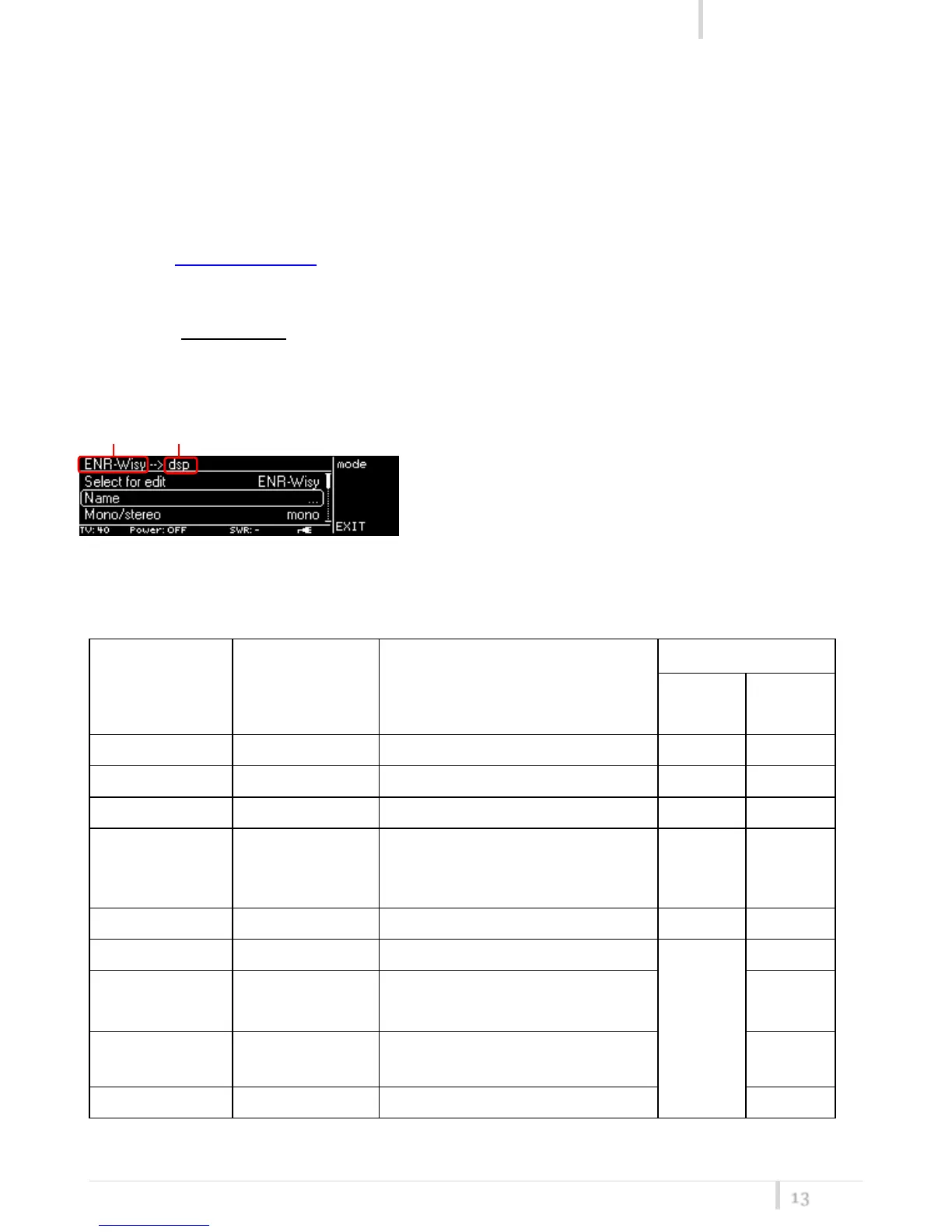
During this phases, the name of the MODE to edit appears on the left top of the
display ①. If the MODE to edit is the current mode
loaded on DSP (on the Main>Mode menu), “dsp”
abbreviation is shown ②.
Shown below the complete parameters list



 To Next Page