How to load/save channels memory
Select Channel memory panel
Write:
Push the button Write from WDF file… and select the wdf file to load a wdf file on the MTK952.
Read and save:
Push the button Read and save to WDF file… , insert the .wdf file name and the path where to
save the wdf file.
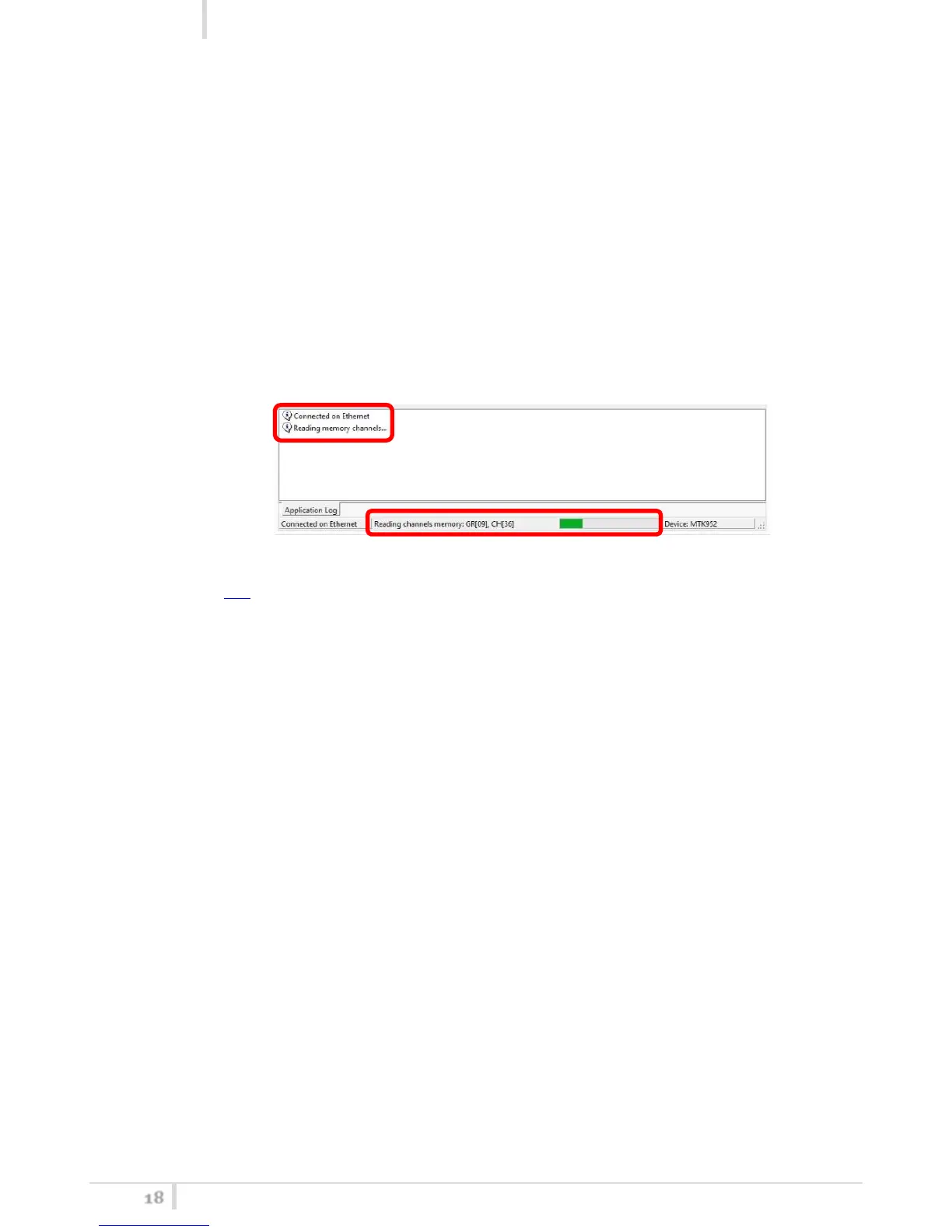
During the process of writing/reading & saving, a green bar below the panel shows the progress of
the process and on the information panel it is possible to verify what the application is doing.
To Modify the wdf file, it is possible to use the spreadsheet FREQUENCY 2010 v15 beta.xls presents
at the following link:
- open the file and enable changes and macro
- load the wdf file clicking on READ WDF button
- execute the desiderate changes
- save the wdf file clicking on SAVE WDF button
The WDF thus modified can be used to write on the MTK952’s channels memory.



 To Next Page