3.3.2 Data Playback
New function: When creating recorded file each time, there will a BIN file
created in the folder of record file in path of installed software meanwhile.
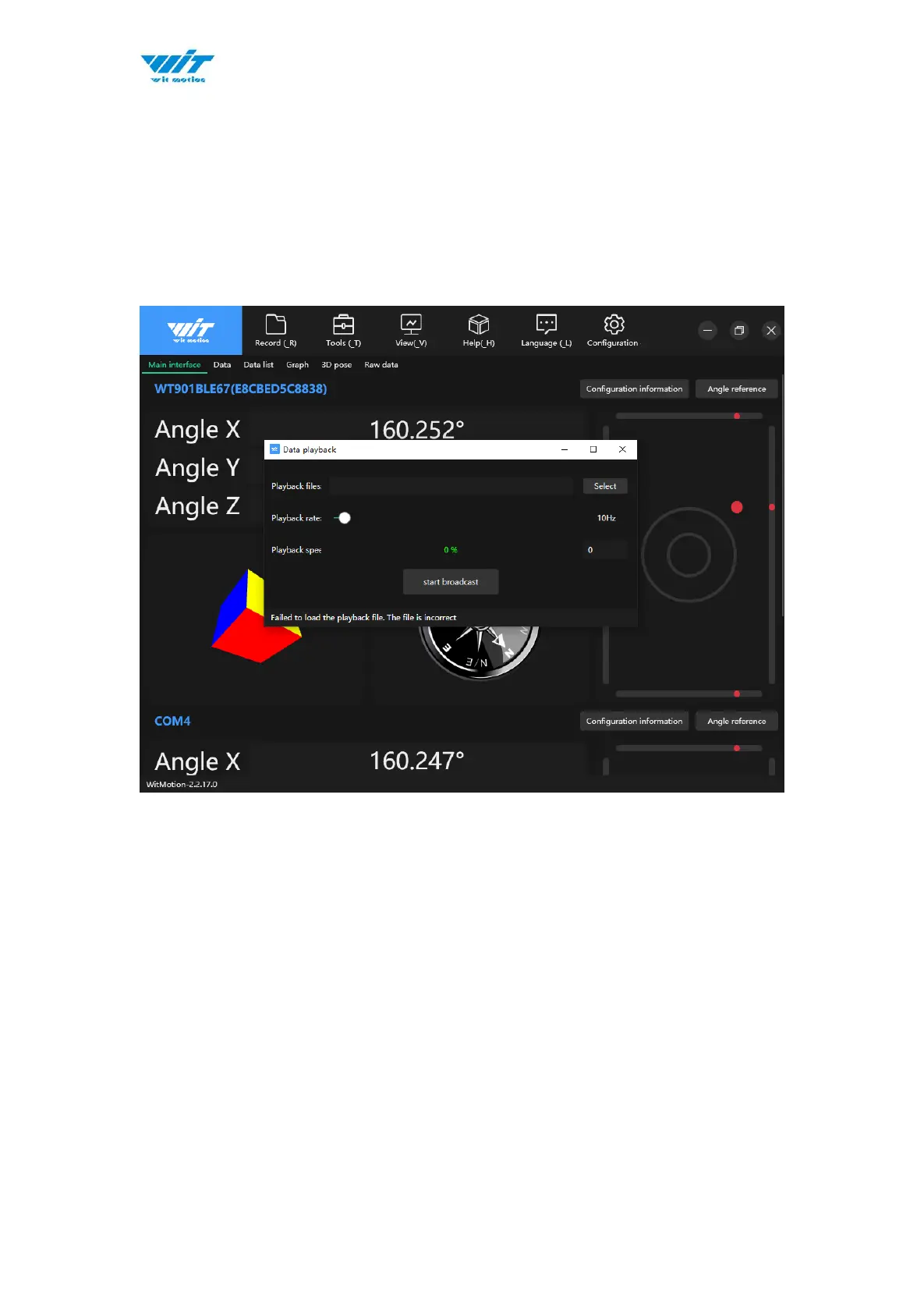
Recorded data playback method:
Step 1: Disconnect the sensor
Step 2: Click “Record” Button and then click “Play file playback”
Step 3: Choose the original path of software installation and load the Bin file


 To Next Page