3 Use Instructions with PC
Please install the complete tutorial including software, drivers, manual, etc.
Link to download software
3.1 PC Connection
PC software is only compatible with Windows system.
Link to install the files.
Google Drive
3.1.1 Serial Connection
Step 1. Connect the sensor with offered Type-C wire.
(Warm Reminder:If you wanna use a longer cable, it should be a standard
Type-C data cable)
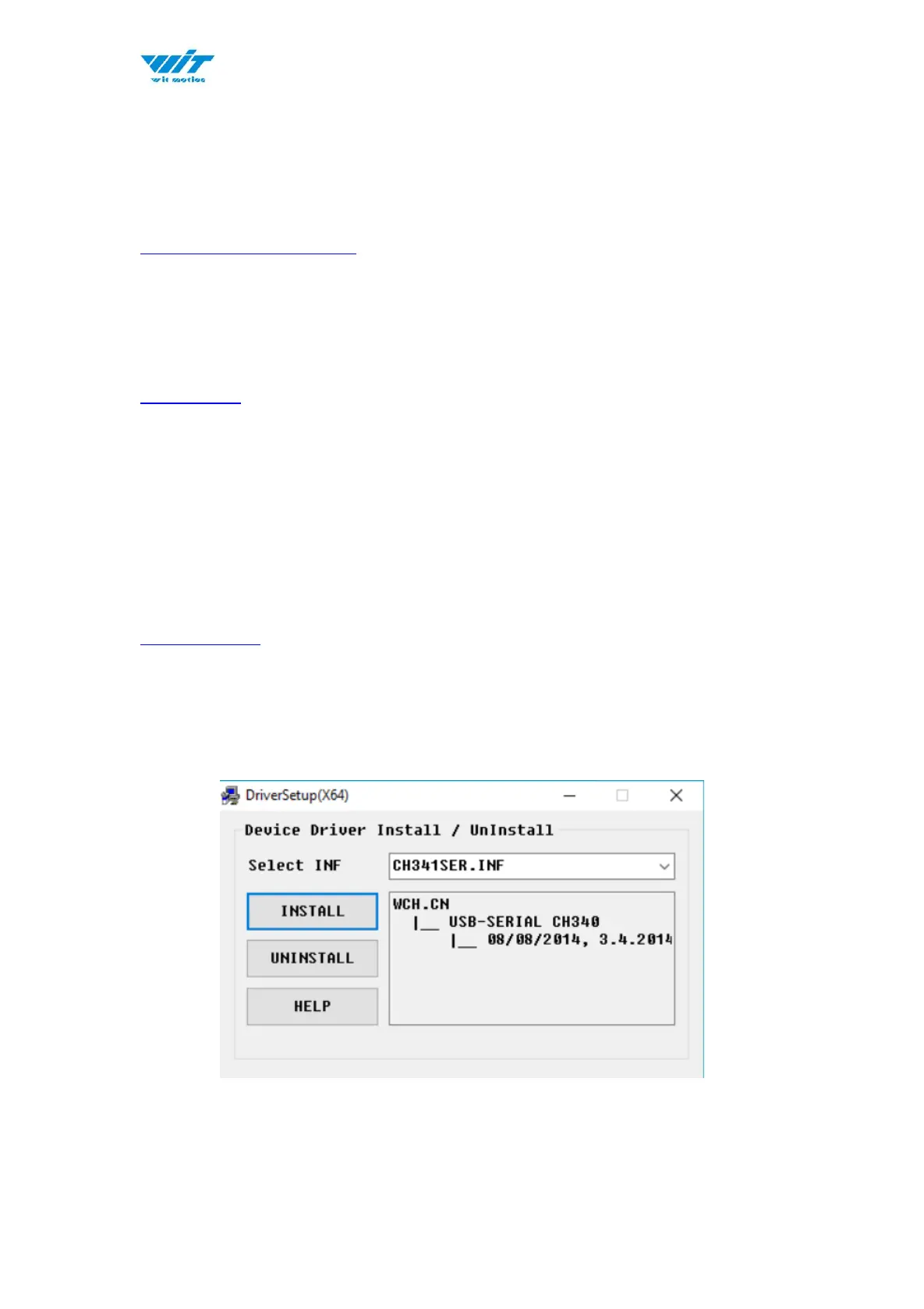
Step 2. Install the driver- CH340
Download Link
*How to Install and update the CH340 driver
Click the "Uninstall" button first. Then click on the "Install" button.



 To Next Page