*How to verify your driver is working
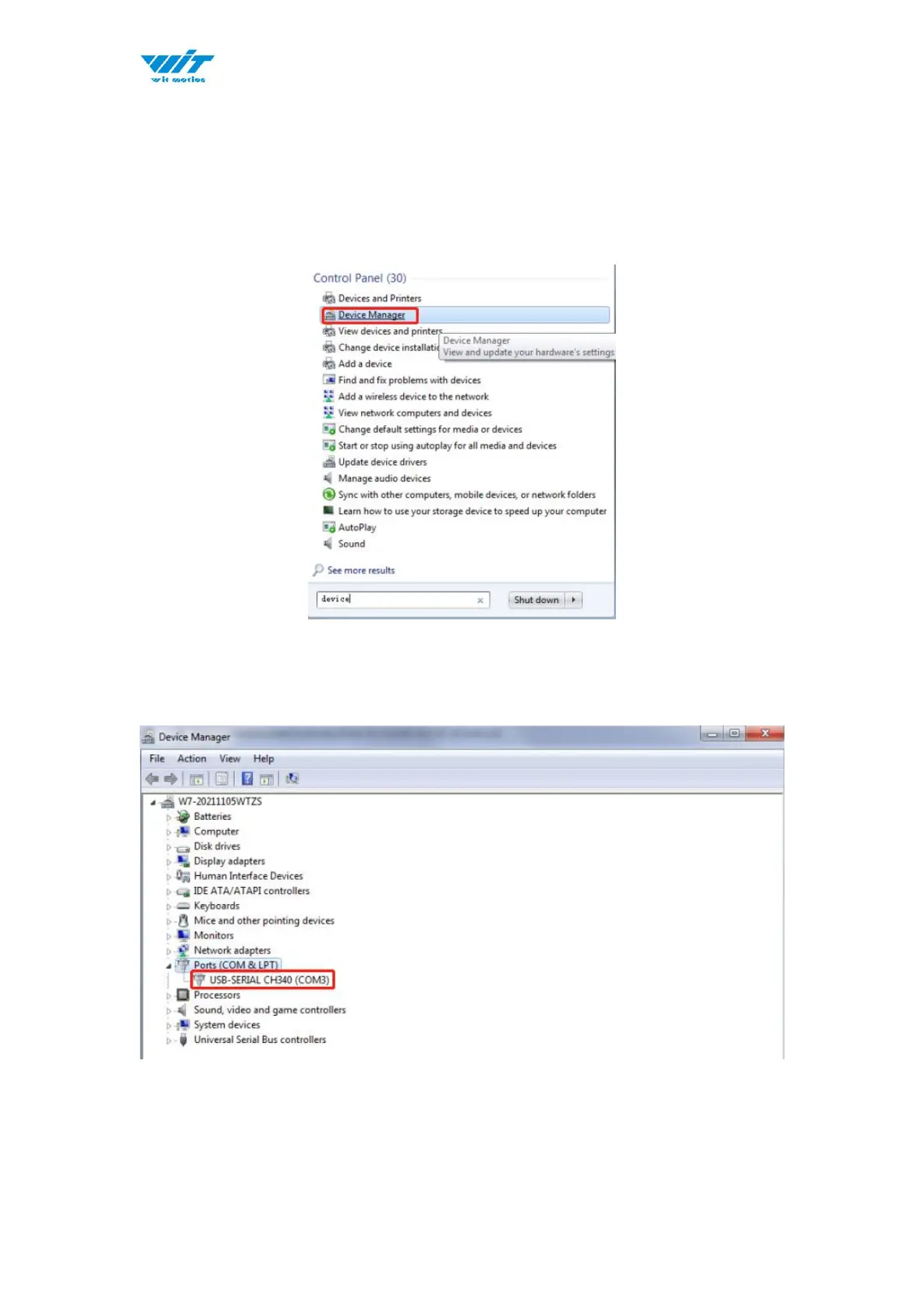
1)To check that the CH340 enumerates to a COM port, you can open the device
manager. You can click the Start or ⊞ (Windows) button and type "device
manager to quickly search for the application.
2)After opening the device manager, you will need to open the Ports (COM &
LPT) tree. The CH340 should show up as USB-SERIAL CH340 (COM##).
Depending on your computer, the COM port may show up as a different number.



 To Next Page